
अपडेट: जून 2026 | 18 मिनट पढ़ें
LinkedIn B2B sales, recruiting, partnerships और growth teams के लिए सबसे महत्वपूर्ण professional networks में से एक है. लेकिन LinkedIn prospects के email addresses को सीधे export करने के लिए नहीं बना है. इसलिए सही email खोजने के लिए structured process चाहिए: सही व्यक्ति पहचानना, email source समझना, address verify करना, CRM में clean data रखना और outreach को relevant बनाना.
यह guide English source article की पूरी structure को follow करती है: LinkedIn पर कौन-से emails मिल सकते हैं, 8 practical methods, 10 best LinkedIn email finder tools, use cases, email मिलने के बाद क्या करना है, compliance checklist और FAQ.

भाग 1: क्या संभव है, पहले यह समझें
हर email address समान quality का नहीं होता. Source, freshness, verification status और permission context बहुत फर्क डालते हैं.
LinkedIn पर किस तरह के emails मिल सकते हैं?
Public emails वे addresses हैं जिन्हें व्यक्ति या company खुले तौर पर दिखाती है: LinkedIn Contact Info, personal website, company page, speaker profile, podcast notes, event page, author bio या social profile में.
ये सबसे transparent source होते हैं, लेकिन हर profile में उपलब्ध नहीं होते. High-value individual prospects, founders, consultants, creators और recruiters के लिए यह method अच्छा है.
Enriched emails name, company, job title, domain और external B2B data sources को match करके मिलते हैं. अधिकांश LinkedIn email finder tools इसी model पर काम करते हैं.
यह scalable list building के लिए useful है, लेकिन quality provider पर निर्भर करती है. Verification, deduplication और segmentation जरूरी हैं.
Guessed emails company email patterns से बनाए जाते हैं, जैसे [email protected], [email protected] या [email protected].
यदि उसी company domain के public examples मिलते हैं, तो pattern अनुमान लगाया जा सकता है. लेकिन guessed emails को भेजने से पहले verify करना अनिवार्य है, वरना bounce rate और domain reputation दोनों खराब हो सकते हैं.
LinkedIn emails 2026 में भी क्यों काम करते हैं?
LinkedIn role, company, seniority और professional context समझने के लिए मजबूत signal देता है. Email follow-up, CRM tracking और structured B2B conversation के लिए अधिक controllable channel है.
Direct email के practical फायदे भी हैं: delivery LinkedIn algorithm पर निर्भर नहीं रहती, character limit कम बाधा बनती है, strangers को message करने के लिए premium account जरूरी नहीं होता और prospect के LinkedIn notifications देखने पर निर्भरता कम होती है.
भाग 2: LinkedIn emails खोजने के 8 तरीके
| तरीका | लागत | गति | Scale | सबसे अच्छा उपयोग |
|---|---|---|---|---|
| Contact Info check | Free | Slow | Low | High-value individual prospects |
| LinkedIn connections export | Free | Medium | Medium | Existing warm network |
| Chrome extension | Free/paid | Fast | Medium | Daily LinkedIn prospecting |
| Sales Navigator + enrichment | High | Fast | High | Precise B2B lists |
| SoLeads.ai keyword search | Low-medium | Very fast | High | Verified ICP-based lists |
| Email pattern guessing | Free | Slow | Low | Few important targets |
| Google X-Ray | Free | Slow | Medium | Extra public research |
| Cross-platform research | Free | Very slow | Low | ABM and executive outreach |
1. Contact Info check करें
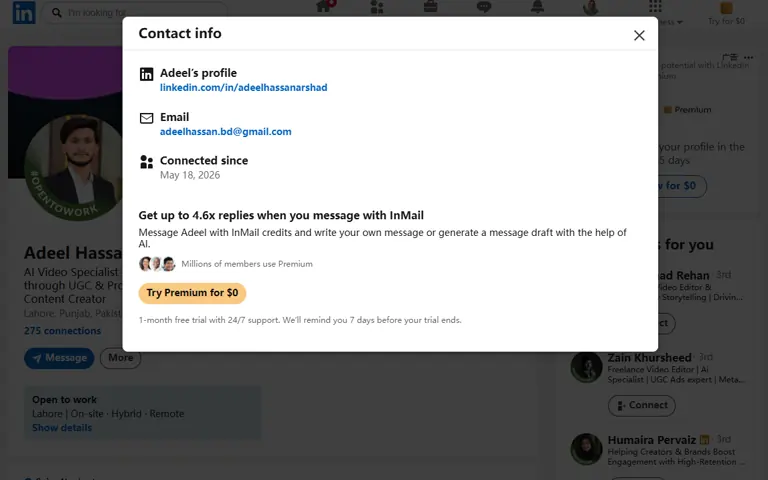
LinkedIn profile खोलें और Contact info पर click करें. यदि user ने email, phone, website या अन्य links share किए हैं, तो वे यहाँ दिखेंगे.
यह method free और reliable है, लेकिन scale नहीं करता. 20 important prospects के लिए अच्छा है; 500 decision-makers की list बनाने के लिए बहुत slow है.
Recommended workflow:
- LinkedIn profile खोजें.
- Contact Info खोलें.
- Email, website और relevant links save करें.
- Campaign से पहले email verify करें.
- Source को CRM में note करें.
2. LinkedIn connections export करें
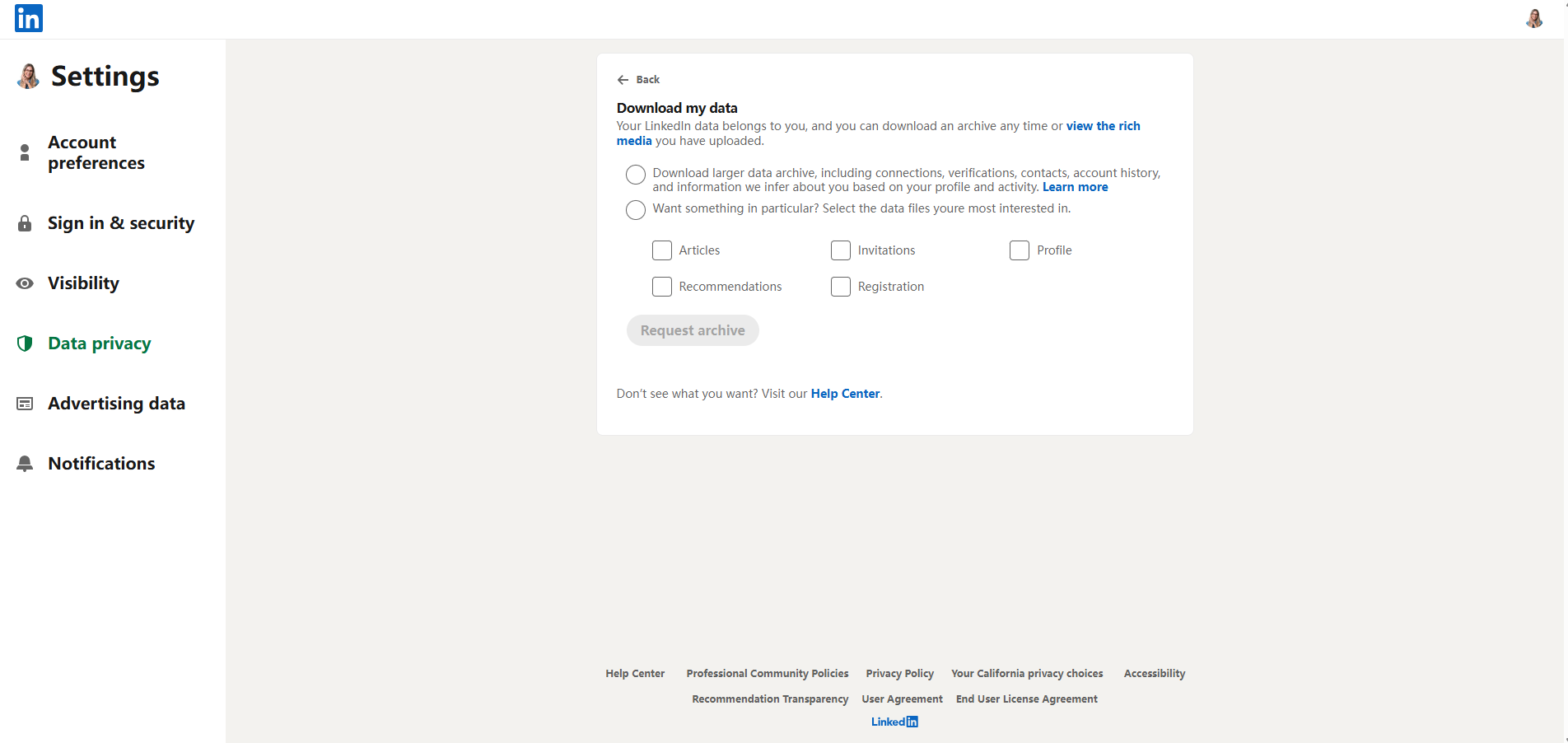
LinkedIn आपको अपने data की copy download करने देता है. Connections file में first-degree connections के emails शामिल हो सकते हैं, यदि उन्होंने sharing allow की है.
यह cold prospecting के लिए नहीं, बल्कि warm network reactivation के लिए useful है: पुराने customers, partners, candidates, investors, community members और event contacts.
Recommended workflow:
- Settings & Privacy में जाएँ.
- Data privacy section खोलें.
- अपने data की copy request करें.
- Connections select करें.
- CSV ready होने पर download करें.
- List clean, dedupe और segment करें.
3. Chrome extensions इस्तेमाल करें
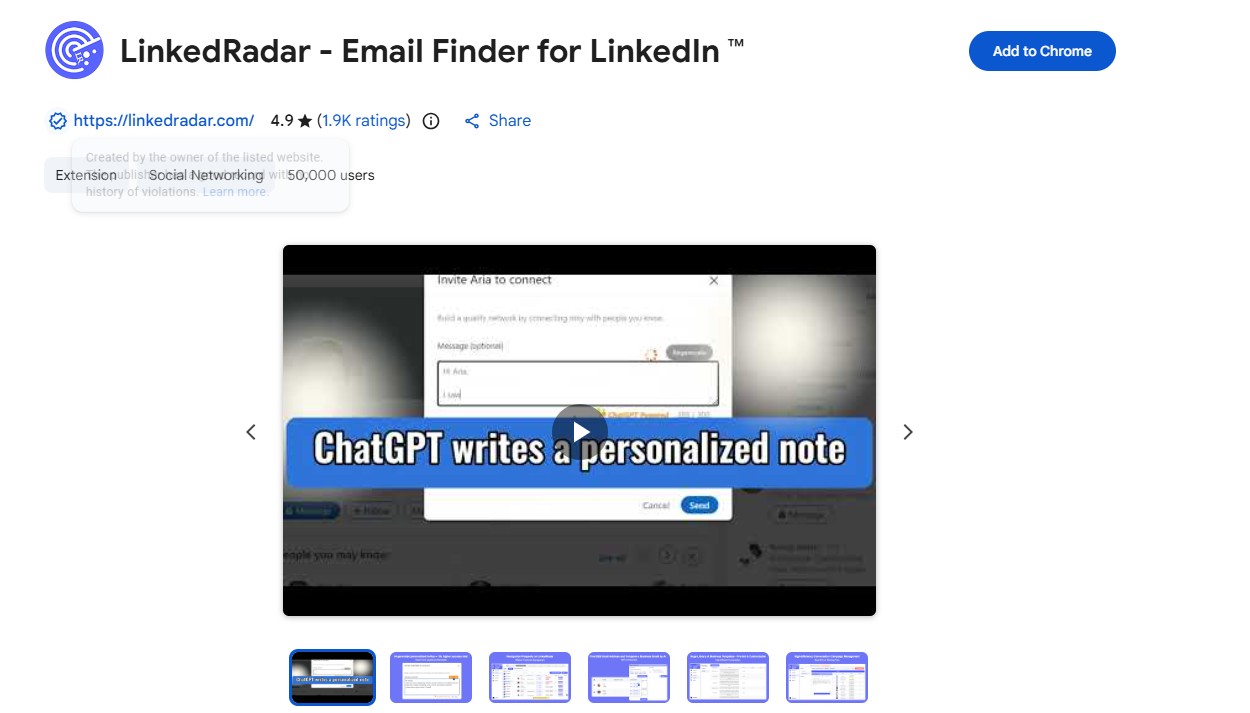
LinkedRadar, Lusha, Kaspr, Skrapp और similar tools LinkedIn profiles या search results देखते समय contact data दिखा सकते हैं. कई tools list saving, CRM sync, credits और CSV export देते हैं.
यह daily LinkedIn prospecting करने वाले SDRs के लिए practical workflow है, खासकर जब हर profile को manual review करना हो.
ध्यान रखें:
- Email verified है या नहीं, check करें.
- Daily limits समझें.
- Browser automation aggressive तरीके से न चलाएँ.
- Found email और verified email को एक जैसा न मानें.
4. Sales Navigator + enrichment combine करें
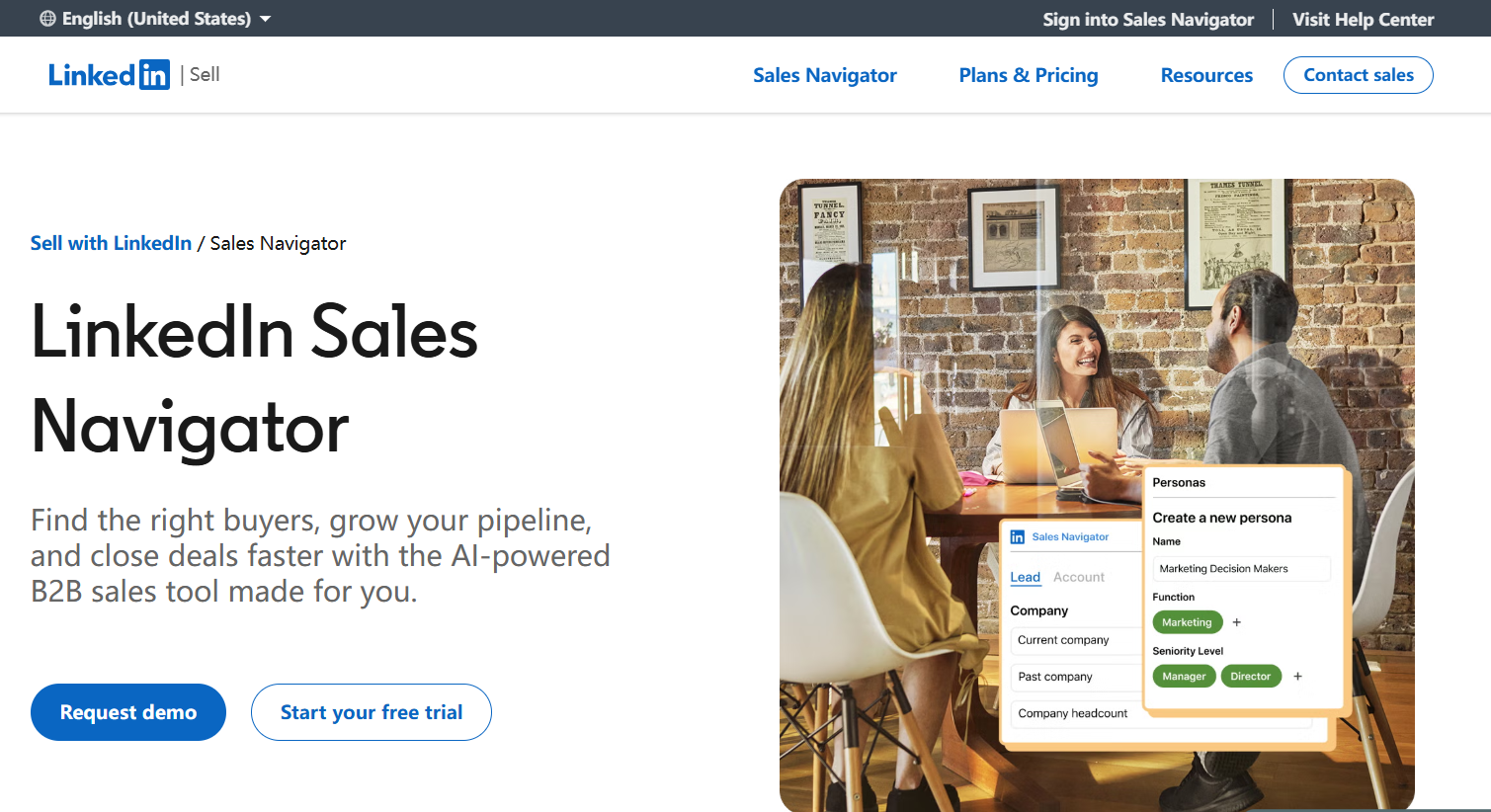
Sales Navigator email finder नहीं है, लेकिन targeting के लिए powerful है. आप job title, seniority, industry, company size, location, headcount growth, technology signals और job changes से सही लोगों को filter कर सकते हैं.
Full workflow: ICP define करें, Sales Navigator में profiles identify करें, enrichment tool से emails add करें, addresses verify करें और फिर personalized outreach भेजें.
Example: India या US में 50-500 employee वाली SaaS companies के "Head of Growth" को target करना. Sales Navigator सही profiles देता है, enrichment email जोड़ता है, verification bounce कम करता है.
5. SoLeads.ai से keyword, title और location के आधार पर search करें
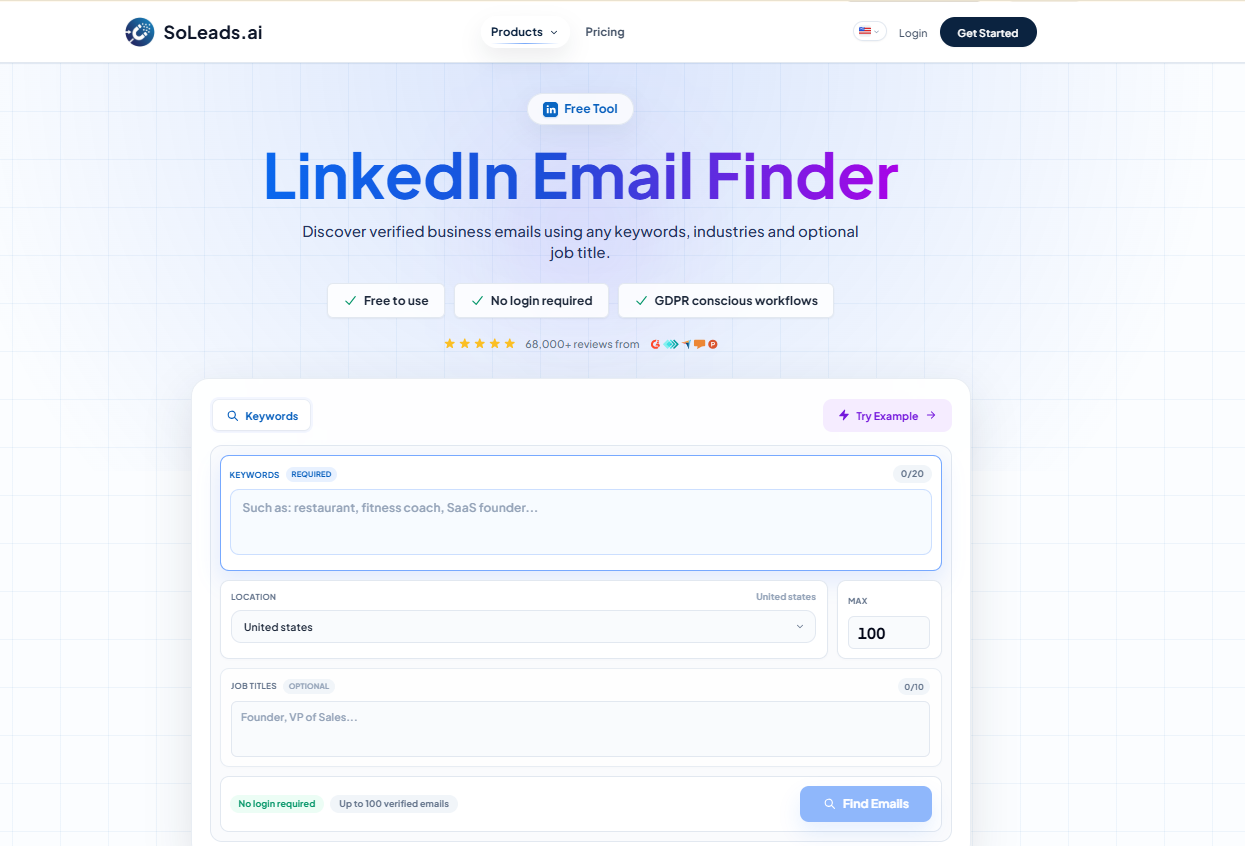
यदि आपको पूरी list बनानी है, तो profile URL से शुरू करना धीमा है. SoLeads.ai (LinkedIn Email Finder) ICP criteria से शुरू करता है: keyword, job title, industry और location. Result में verified B2B emails की export-ready list मिलती है.
Recommended workflow:
- SoLeads.ai पर जाएँ और log in करें.
- LinkedIn Email Finder खोलें.
- Keyword, job title, industry या location डालें.
- Search run करें.
- Results को role, company और quality signals से review करें.
- CSV/XLSX export करें.
- CRM या outreach tool में import करें.
Difficulty: low. Cost: current pricing देखें. Scale: dozens से thousands contacts तक. Best for: SDRs, founders, growth teams और agencies.
6. Company email pattern guess करें
Common formats:
Company domain के public examples खोजें, pattern identify करें और हर guessed address को email verifier से check करें. यह method few high-value accounts के लिए useful है, bulk list के लिए नहीं.
7. Google X-Ray search करें
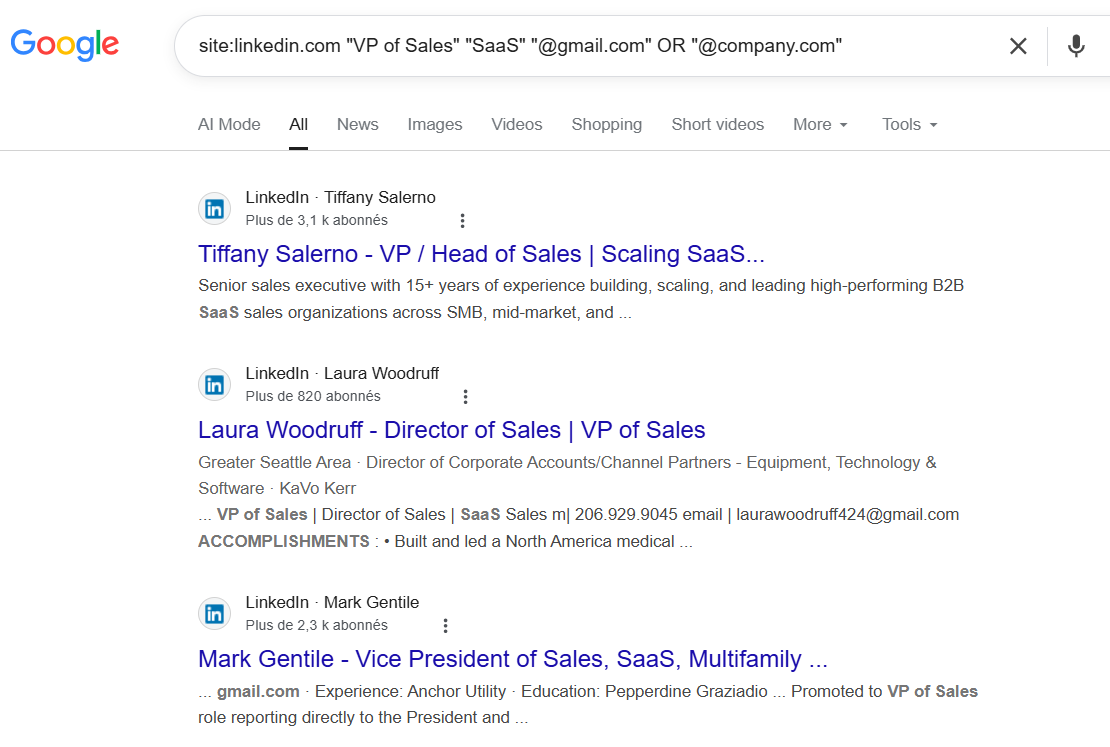
Google public pages को index कर सकता है जहां LinkedIn profiles, company websites, event pages, author bios और email addresses साथ दिखते हैं.
Example queries:
site:linkedin.com/in "Head of Growth" "SaaS" "@company.com"
site:linkedin.com/in "VP Sales" "India" "email"
site:company.com "[email protected]" "LinkedIn"
Coverage inconsistent हो सकती है, लेकिन niche markets, ABM research और specific accounts के लिए यह helpful है.
8. LinkedIn के बाहर research करें
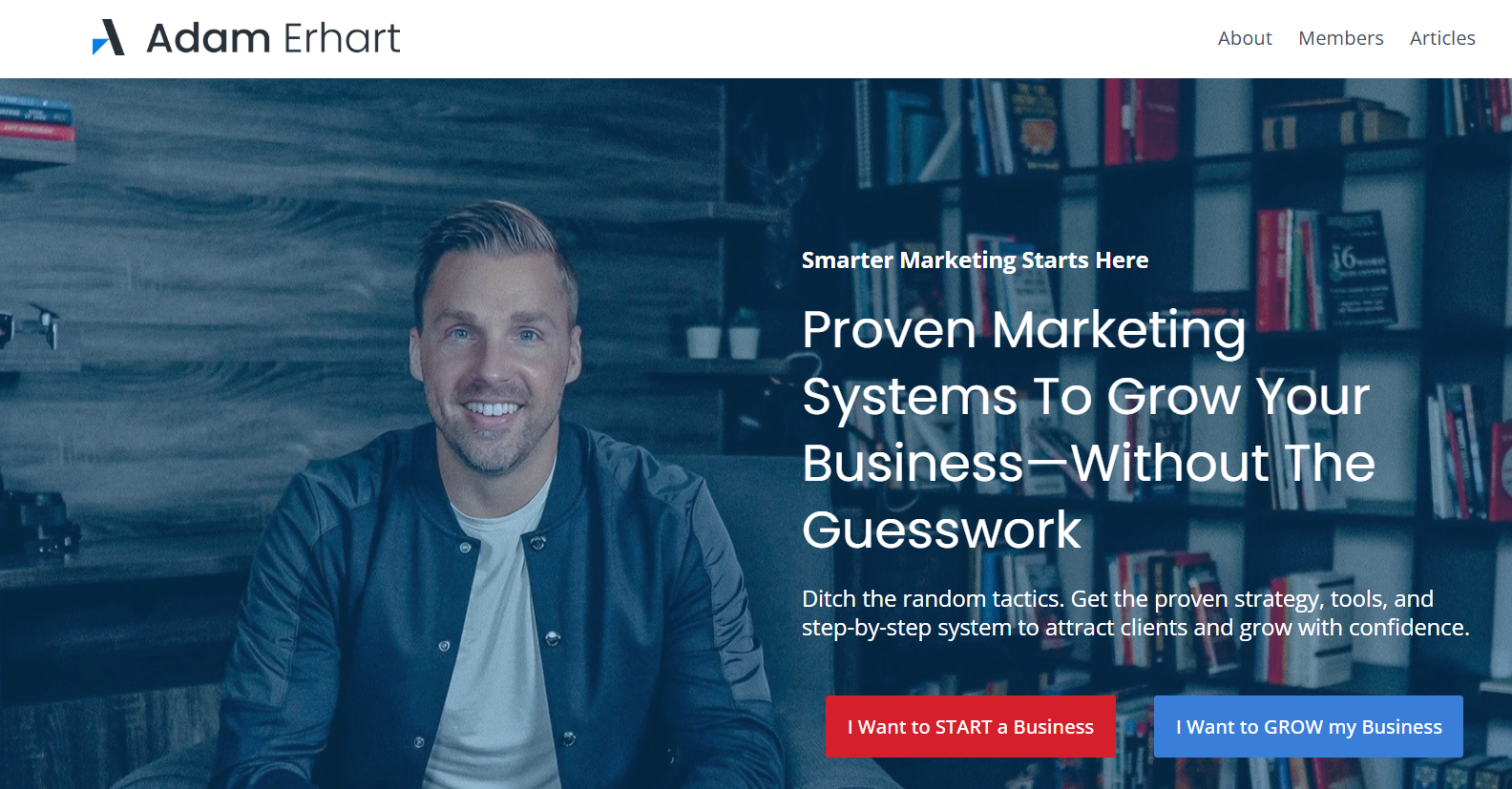
कई professional emails LinkedIn पर नहीं, बल्कि दूसरी जगह public होते हैं: personal websites, GitHub, Twitter/X, YouTube, podcast notes, webinar pages, press releases, speaker directories, marketplaces और company blogs.
यह slow है, लेकिन executive outreach और high-value ABM campaigns में बेहतर context देता है.
भाग 3: methods की quick comparison
| तरीका | लागत | गति | सटीकता | स्केलेबिलिटी | अनुपालन जोखिम |
|---|---|---|---|---|---|
| LinkedIn संपर्क जानकारी | मुफ्त | धीमी | उच्च | बहुत कम |
नहीं |
| LinkedIn डेटा एक्सपोर्ट | मुफ्त | मध्यम | उच्च | कम |
नहीं |
| Chrome एक्सटेंशन (LinkedRadar) | फ्रीमियम | तेज | मध्यम-उच्च | मध्यम |
कम |
| Sales Navigator + enrichment | ज्यादा | तेज | उच्च | उच्च |
कम |
| कीवर्ड सर्च (SoLeads.ai) | कम-मध्यम | बहुत तेज | उच्च | बहुत उच्च |
कम |
| ईमेल पैटर्न अनुमान | मुफ्त | धीमी | मध्यम | बहुत कम |
कम |
| Google X-Ray search | मुफ्त | धीमी | कम | बहुत कम |
नहीं |
| Cross-platform research | मुफ्त | बहुत धीमी | उच्च | न्यूनतम |
नहीं |
भाग 4: 10 best LinkedIn email finder tools
| टूल | किसके लिए बेहतर | सटीकता | मुफ्त टियर | शुरुआत | किसके लिए सही |
|---|---|---|---|---|---|
| SoLeads.aiशीर्ष विकल्प | कीवर्ड आधारित bulk prospecting | उच्च |
✓ | Pricing देखें | Solo → Enterprise |
| Hunter.io | Domain search, पारदर्शी sources | मध्यम-उच्च |
✓ 50/माह | $49/माह | Solo → Small |
| Lusha | Phone + email, CRM integration | उच्च |
✓ 40 credits | $49.9/माह | Small → Mid |
| Apollo.io | Full sales platform, बड़ा database | मध्यम |
✓ | $59/माह | Small → Enterprise |
| Snov.io | Find + verify + send एक ही platform में | मध्यम-उच्च |
✓ 50 credits | $39/माह | Solo → Small |
| Skrapp.io | LinkedIn-focused bulk extraction | मध्यम |
✓ 50 credits | $39/माह | Solo → Small |
| UpLead | सबसे उच्च verified accuracy guarantee | बहुत उच्च |
✓ 5 credits | $99/माह | Mid → Enterprise |
| AeroLeads | LinkedIn integration + CRM export | मध्यम |
✓ | $49/माह | Solo → Small |
| LeadFuze | Auto-enrichment, enterprise filters | उच्च |
✓ | $147/माह | Mid → Enterprise |
| Kaspr | GDPR-compliant, European markets | उच्च |
✓ 25 credits | €59/माह | Solo → Mid |
1. SoLeads.ai
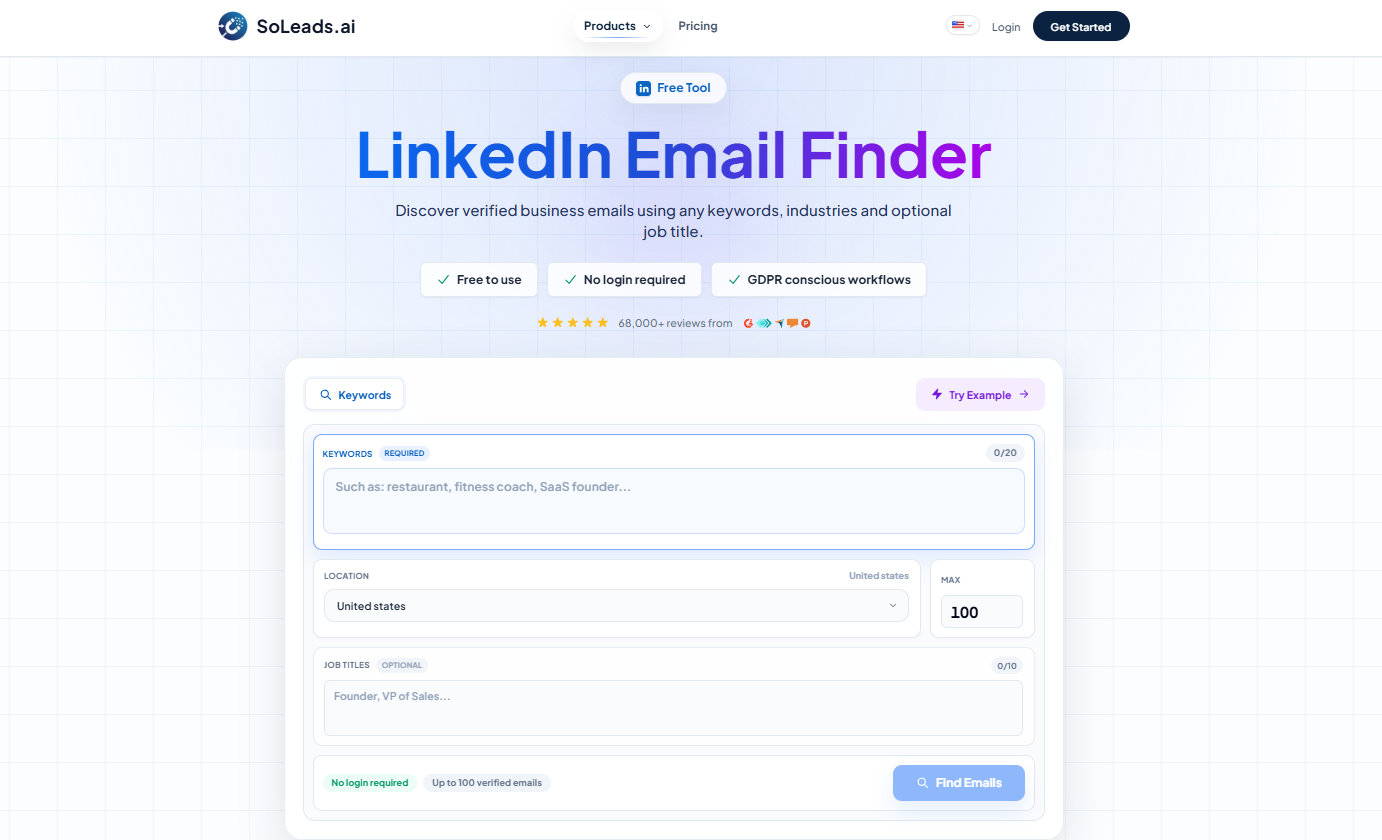
SoLeads.ai उन teams के लिए अच्छा है जो profile-by-profile enrichment के बजाय ICP criteria से list बनाना चाहते हैं. आप keyword, job title और location से search कर सकते हैं और verified contacts export कर सकते हैं.
SoLeads.ai LinkedIn Email Finder try करें
2. Hunter.io
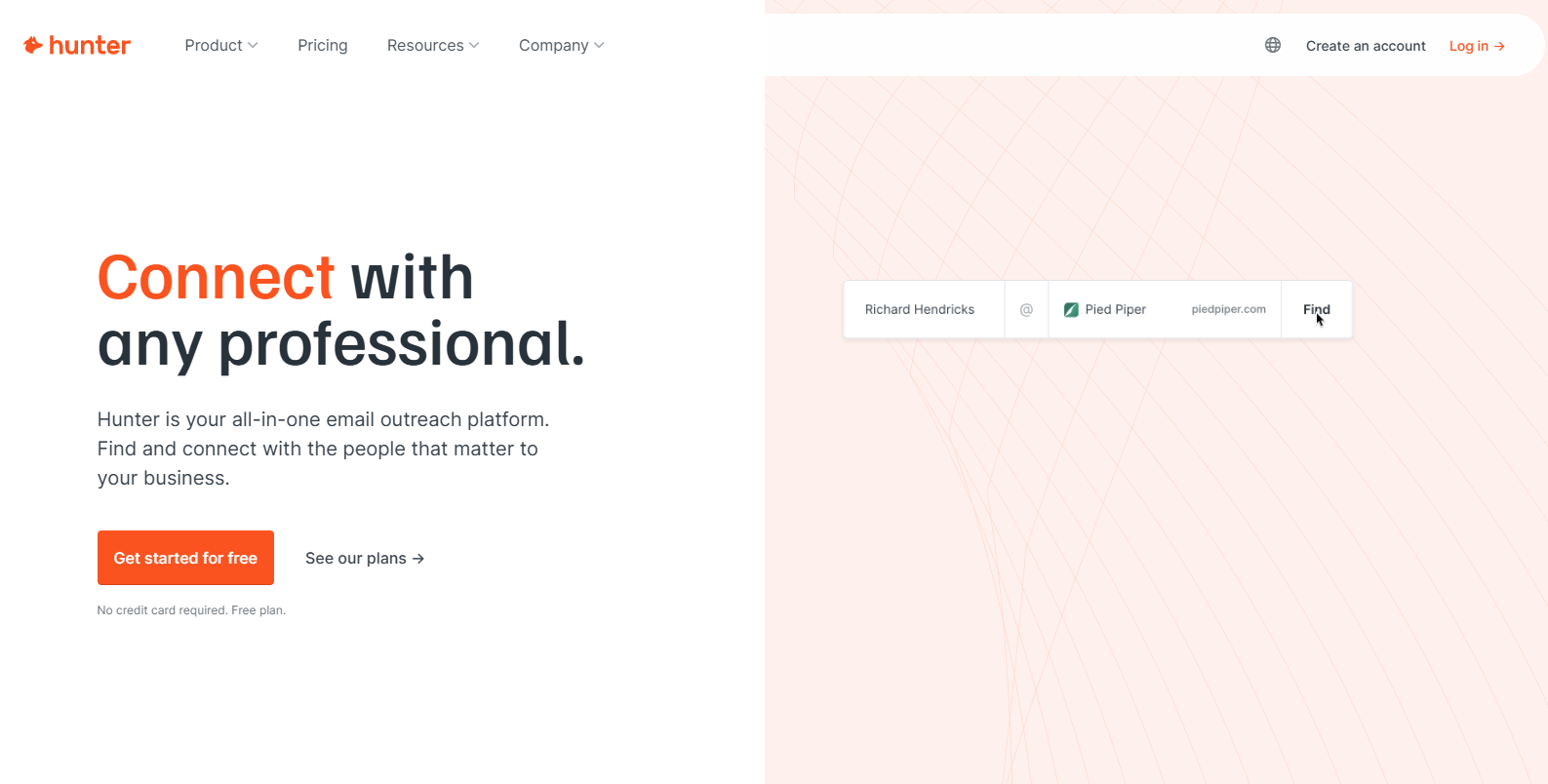
Hunter.io domain search के लिए popular है. Company domain डालकर public emails और likely formats खोजे जा सकते हैं. Pattern verification में भी उपयोगी है.
3. Lusha
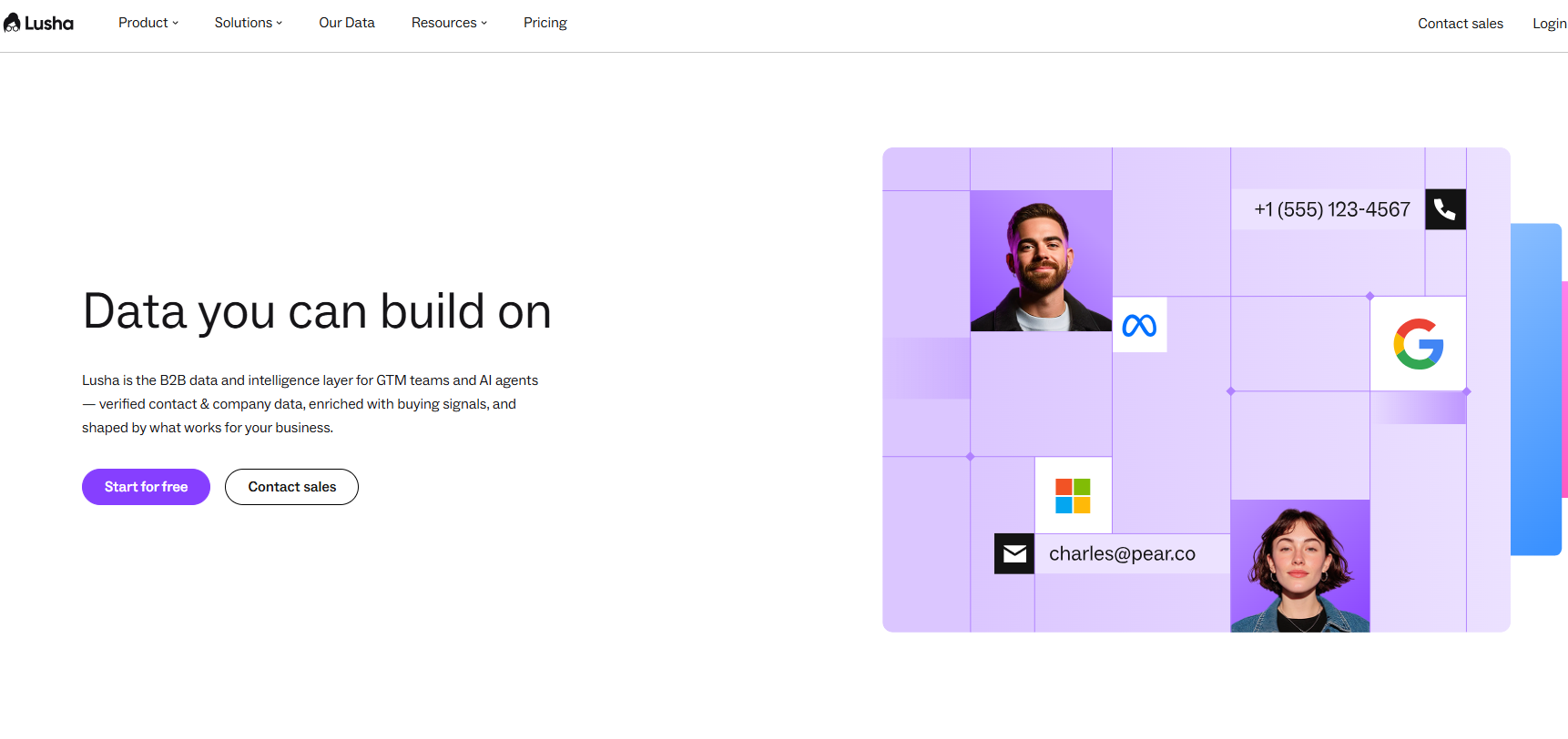
Lusha email और phone data combine करता है. Multichannel sales teams के लिए useful है, लेकिन market coverage, credits और privacy policy check करें.
4. Apollo.io
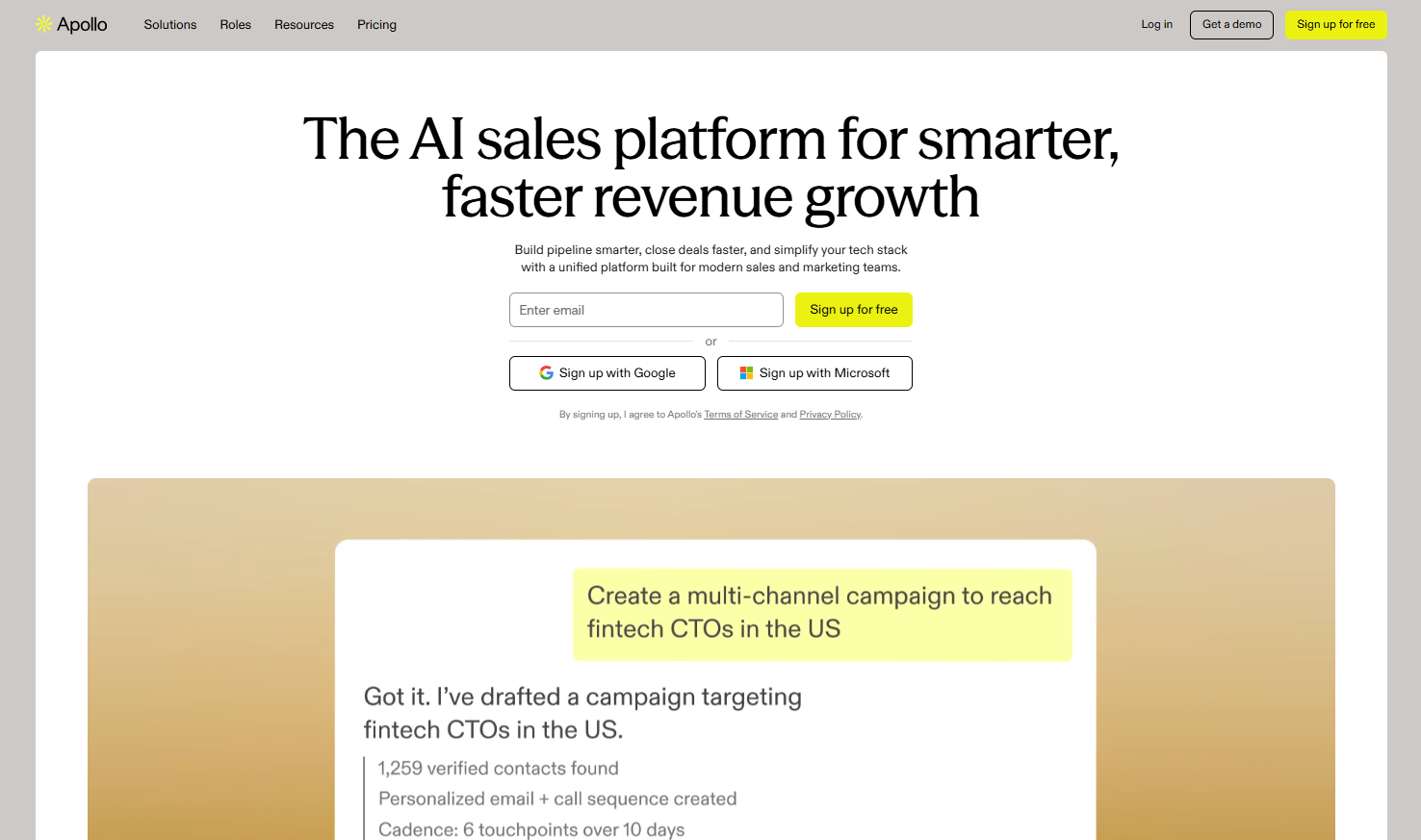
Apollo database, filtering, enrichment और sequences एक platform में देता है. Sales teams के लिए अच्छा है जो prospecting और outreach साथ manage करना चाहते हैं.
5. Snov.io
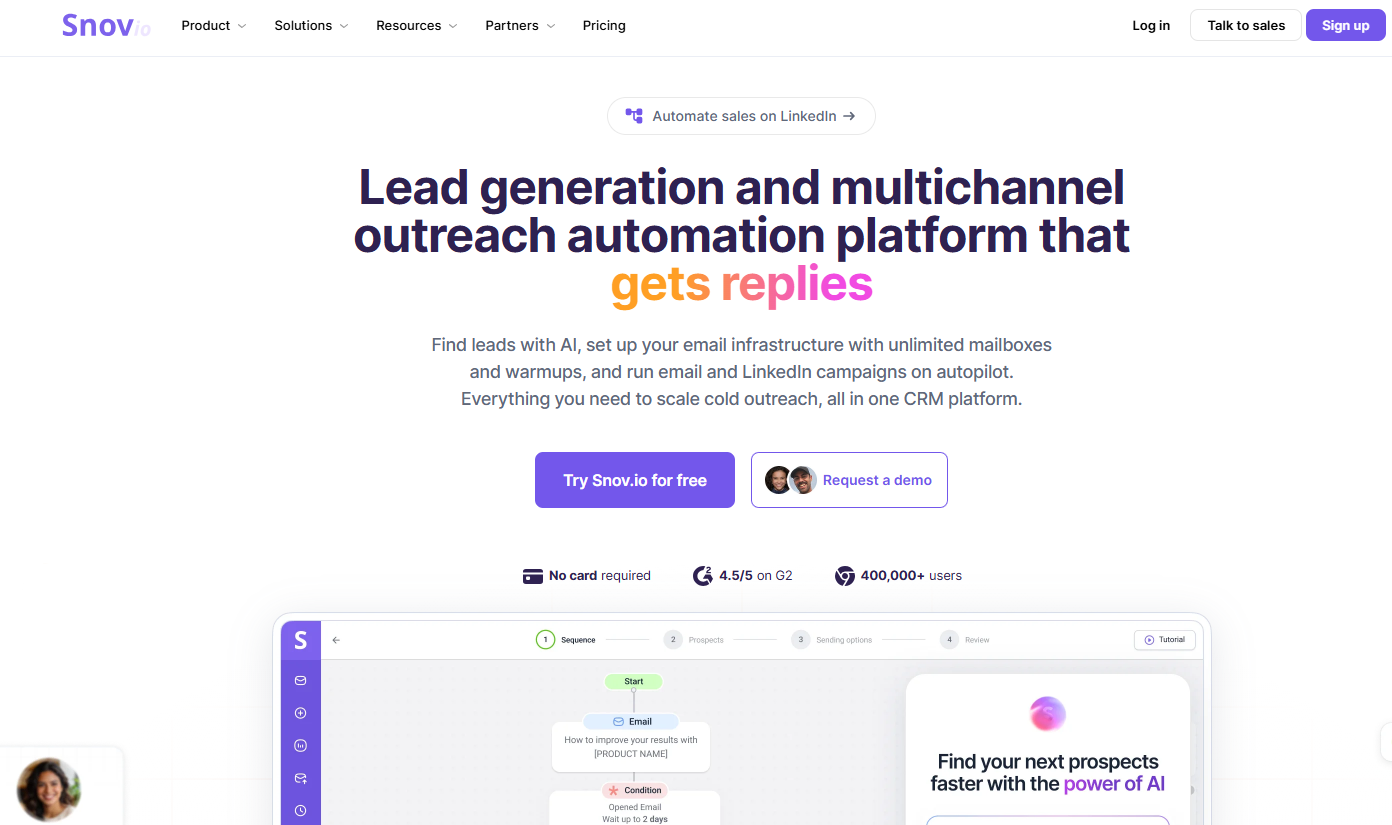
Snov.io email finder, verifier और email campaigns को combine करता है. Small teams और solo operators के लिए compact workflow देता है.
6. Skrapp.io
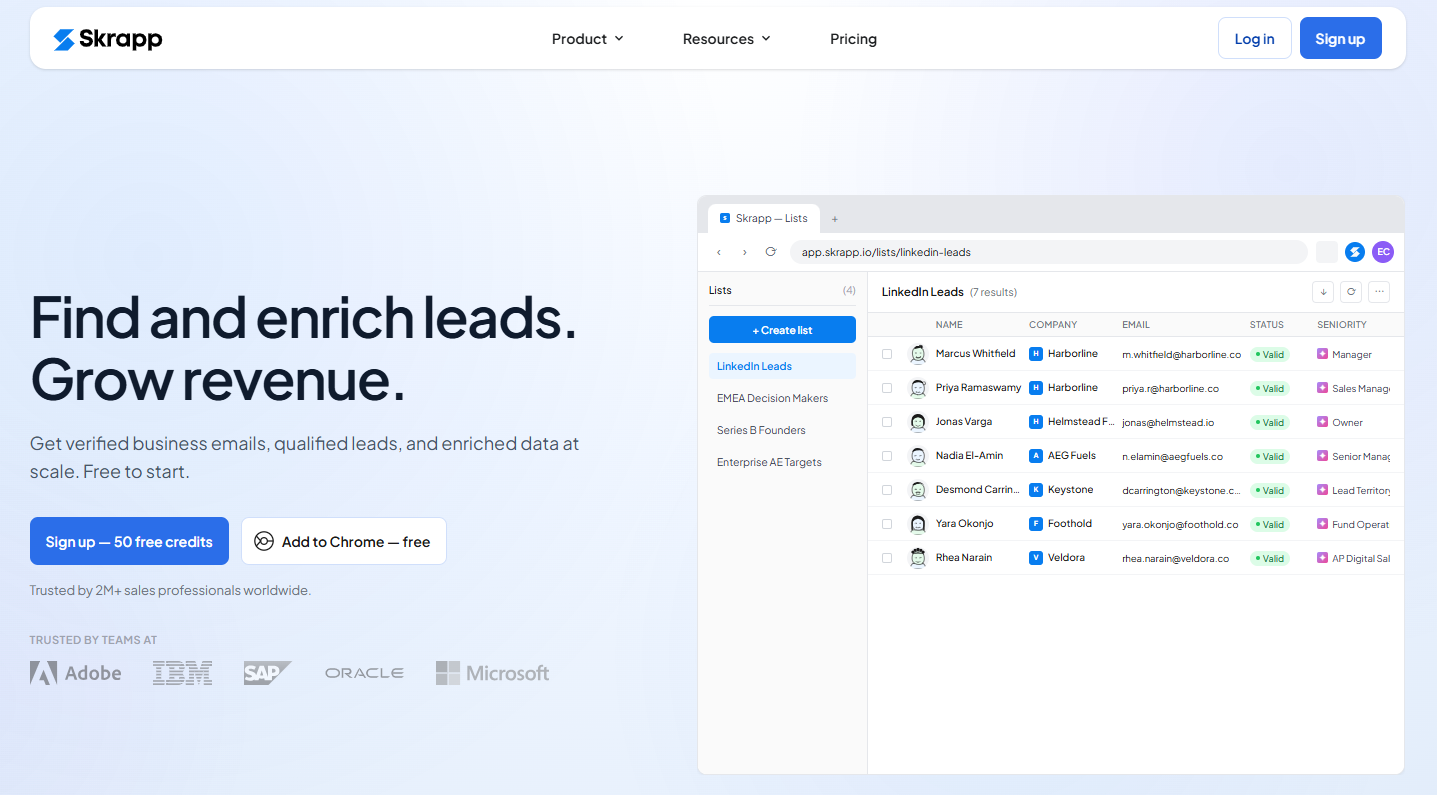
Skrapp LinkedIn-centric prospecting और domain search पर focus करता है. LinkedIn-heavy users के लिए practical है.
7. UpLead
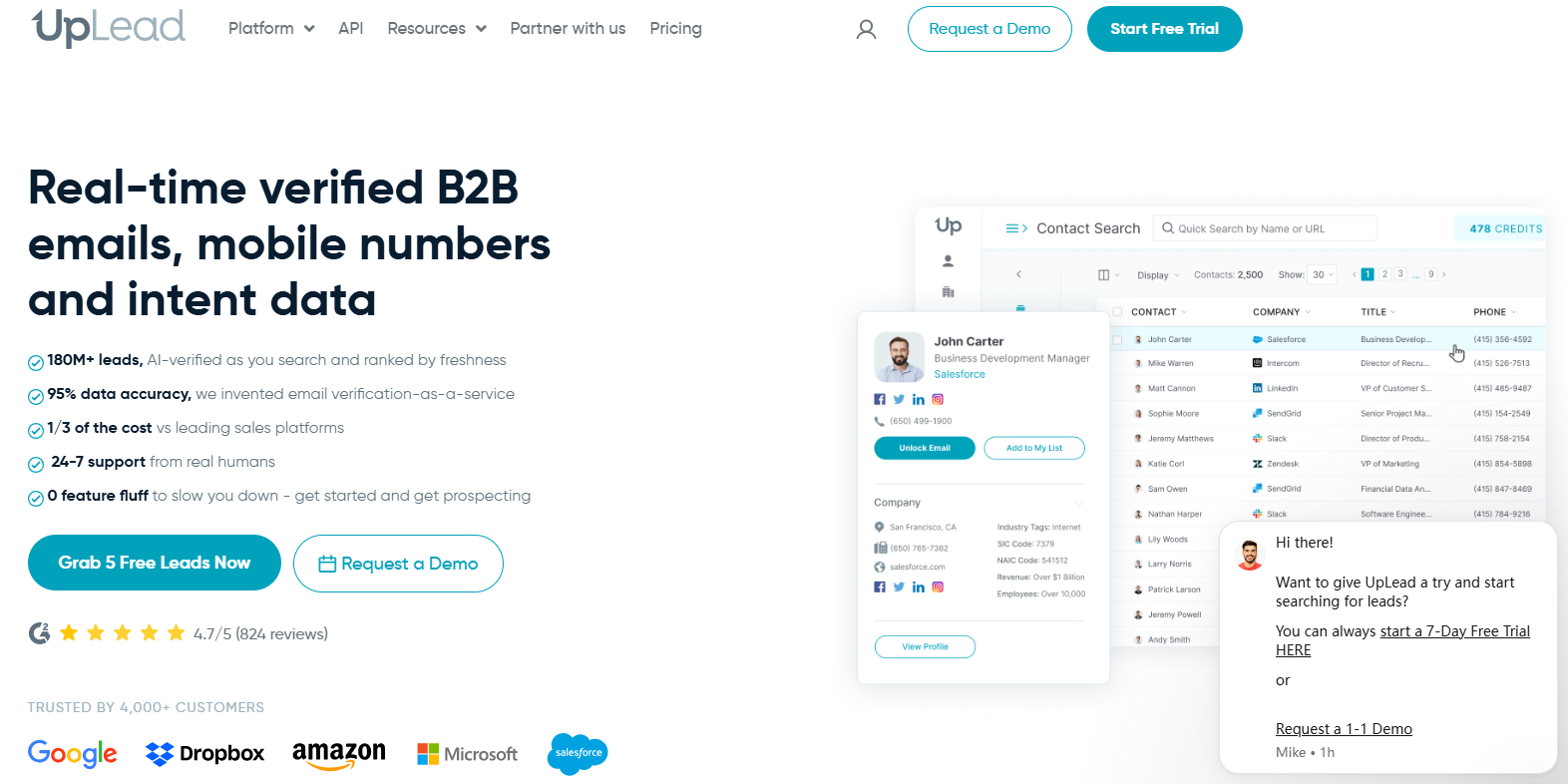
UpLead data accuracy और verification पर जोर देता है. Data quality को priority देने वाली teams के लिए strong option है.
8. AeroLeads
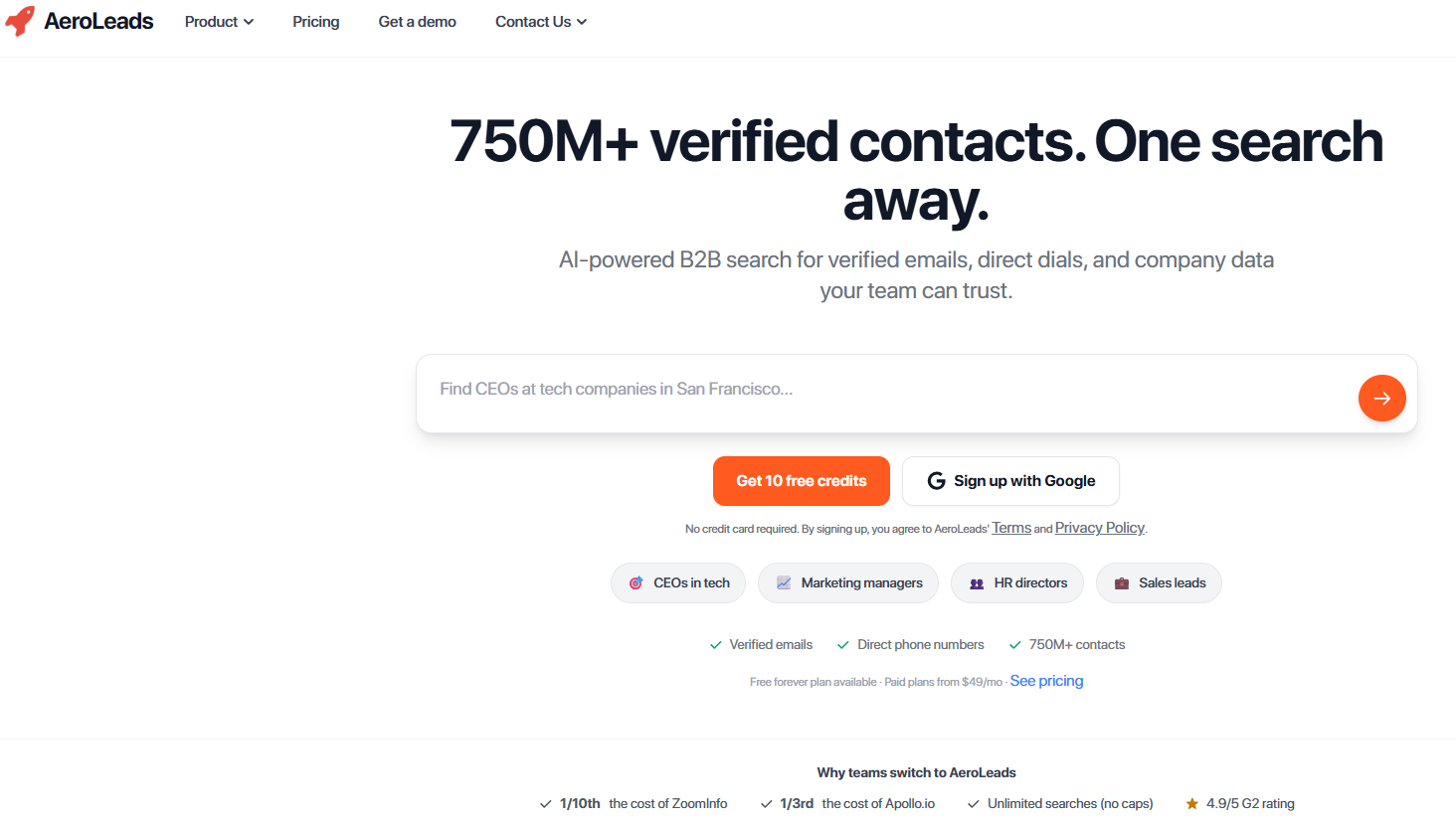
AeroLeads LinkedIn, company websites और CRM integrations के साथ काम करता है. Small teams के लिए lightweight enrichment workflow देता है.
9. LeadFuze
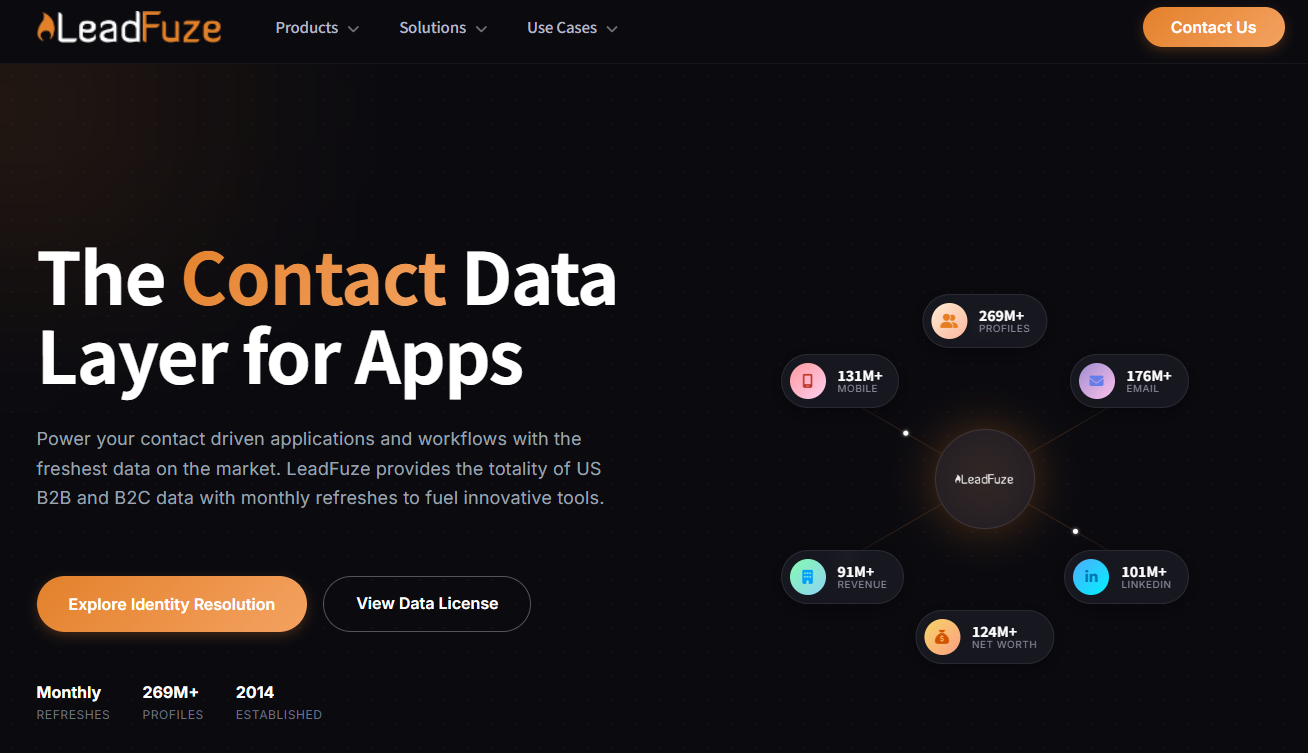
LeadFuze criteria के आधार पर automated lead lists बनाता है. Repeatable segments वाले mid-market teams के लिए useful है.
10. Kaspr
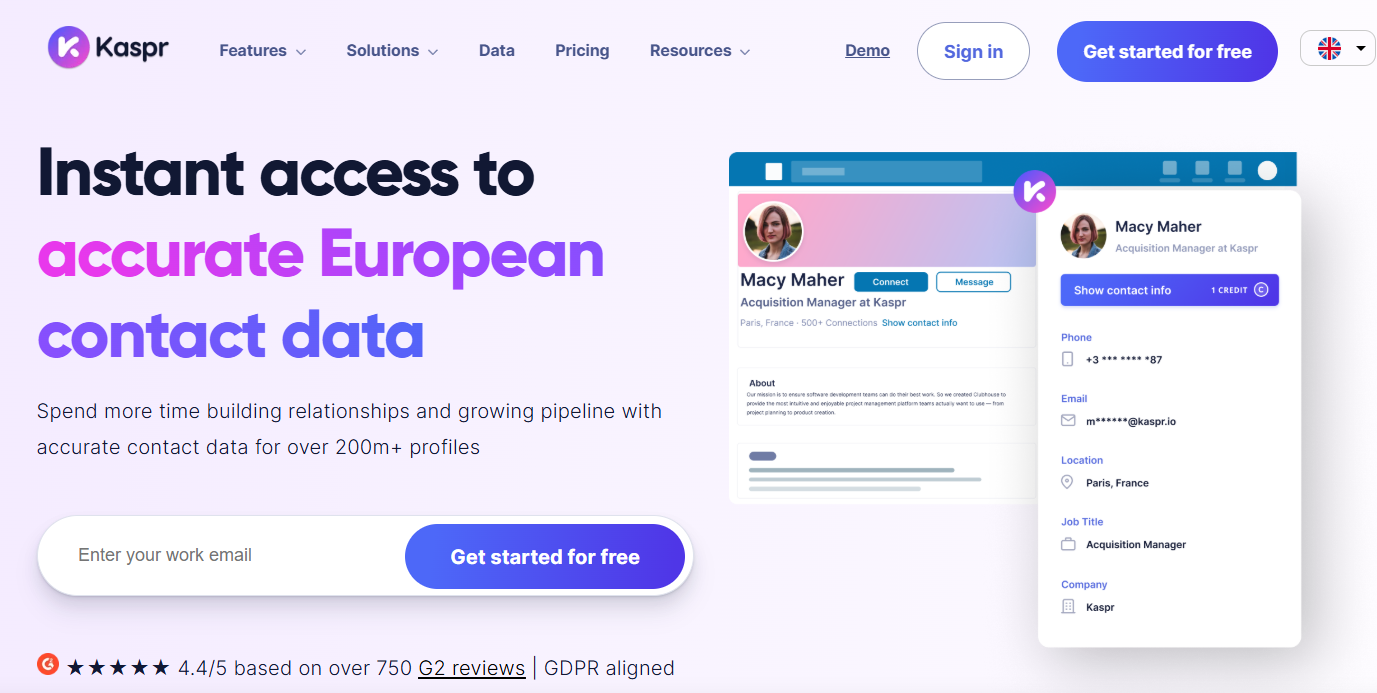
Kaspr Europe-focused teams में popular है और GDPR-oriented B2B data workflows पर जोर देता है.
भाग 5: कौन-सा method चुनें?
Few high-value prospects के लिए
Contact Info, company website, Google X-Ray और cross-platform research इस्तेमाल करें. Source और context save करें, फिर highly personalized message लिखें.
Repeatable B2B outbound के लिए
Sales Navigator या keyword search से target करें, फिर enrichment और verification जोड़ें. SoLeads.ai ICP से export-ready list तक जल्दी पहुंचने में मदद करता है.
Recruiting के लिए
Role relevance, transparency, candidate experience और opt-out का ध्यान रखें. Generic bulk messages से बचें.
Agencies के लिए
Process standardize करें: ICP, criteria, tool, verification, deduplication, export, CRM import, reporting और suppression list. Repeatability data quality जितनी ही important है.
भाग 6: email मिलने के बाद क्या करें?
List मिलना pipeline नहीं बनाता. Result verification, segmentation, message quality और follow-up discipline पर निर्भर करता है.
Scale पर भेजने से पहले verify करें
Syntax, domain, MX records और mailbox risk check करें. Risky addresses, suspicious catch-all domains, duplicates, existing customers और unsubscribe list के contacts remove करें.
ऐसा subject line लिखें जिसे open किया जाए
Generic subject lines से बचें. अच्छा subject छोटा, specific और prospect के role या company context से जुड़ा होता है. Examples: " के बारे में quick question", "Growth team के लिए idea" या " के लिए lead source".
First line personalize करें
पहली line से proof मिलना चाहिए कि यह mass template नहीं है. Recent LinkedIn post, company announcement, hiring signal, website detail या role-specific pain point का reference दें.
Follow up करें, लेकिन spam न करें
कई replies first follow-up के बाद आती हैं. Healthy sequence में 3-5 touches होते हैं: first full message, 3 दिन बाद short follow-up, 5 दिन बाद नया angle या resource, और लगभग 7 दिन बाद final close message.
Track और optimize करें
Open rate, reply rate, positive reply rate, meetings और revenue track करें. Open rate low हो तो subject lines test करें. Opens high लेकिन replies low हों तो copy या offer improve करें. Positive replies low हों तो targeting revise करें.
भाग 7: अक्सर पूछे जाने वाले सवाल
क्या LinkedIn पर emails खोजना legal है?
यह jurisdiction और data use पर निर्भर करता है. कई cases में legitimate B2B outreach के लिए publicly available professional contact information use करना संभव हो सकता है. लेकिन GDPR, CAN-SPAM, CASL और local rules follow करें, opt-out दें और जिन लोगों ने opt out किया है उन्हें contact न करें.
LinkedIn email finder tools कितने accurate होते हैं?
Accuracy tool और use case पर depend करती है. अच्छे tools updated data, multi-source enrichment और real-time verification use करते हैं. फिर भी scale पर भेजने से पहले list verify करनी चाहिए.
क्या LinkedIn emails free में मिल सकते हैं?
हाँ. Contact Info, connections export, Google X-Ray और pattern guessing free हो सकते हैं. लेकिन बड़ी lists में real cost time है; dedicated tool manual work और errors कम करता है.
2026 में best LinkedIn email finder कौन-सा है?
Workflow पर निर्भर करता है. ICP-based lists के लिए SoLeads.ai strong option है. Profile-by-profile enrichment के लिए LinkedRadar, Lusha, Kaspr या Skrapp देखें. Sequences सहित system चाहिए तो Apollo या Snov.io useful हो सकते हैं.
LinkedIn email valid है या नहीं, कैसे verify करें?
Email verification syntax, domain, MX records और mailbox risk check करता है. NeverBounce, ZeroBounce, Hunter Email Verifier या Apollo, UpLead और SoLeads.ai की built-in verification use कर सकते हैं.
क्या LinkedIn email discovery allow करता है?
LinkedIn unauthorized direct platform collection को restrict करता है. यह उन third-party enrichment tools से अलग है जो अपनी database publicly available professional information से बनाते हैं. Data sourcing में transparent tools चुनें और platform terms follow करें.
Email Finder और email verifier में क्या difference है?
Email Finder वह address खोजता है जो आपके पास नहीं है. Email verifier check करता है कि मिला हुआ address valid, active और low-bounce है या नहीं. Serious prospecting के लिए दोनों चाहिए.
निष्कर्ष: कौन-सा method आपके लिए सही है?
यदि आप zero budget से शुरू कर रहे हैं, तो Contact Info, connection export और Google X-Ray से शुरू करें. Small team active outbound कर रही है तो Sales Navigator, SoLeads.ai और email verification strong base stack है. यदि data quality mission-critical है, तो verification को workflow के center में रखें.
सबसे जरूरी principle simple है: भेजने से पहले verify करें. 200 clean verified emails, 2,000 unchecked addresses से बेहतर perform करेंगे.
अपनी अगली lead list बनाएं