
Privacy-conscious Instagram Story Downloader
Privacy-conscious Instagram Story Downloader Free. HD Quality. No Watermark. Online.
Download public Instagram Story photos and videos after previewing them. No Instagram login, no browser extension, and no added SoLeads watermark.
- Download in high quality
- Works on any device
- Photos and videos
- No added watermark
SoLeads is not affiliated with Instagram. We do not host Instagram content. All rights belong to their respective owners.
Public profile
Story download workspace
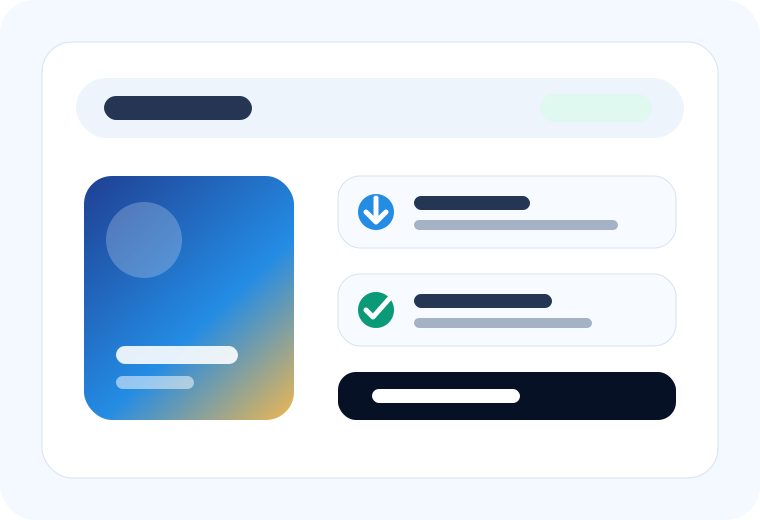
Fast public Story saves
Lightning-Fast Instagram Story Downloader
An Instagram Story Downloader saves public Instagram Story photos or videos after you preview them. Use it when Story media may disappear soon and you need a clean reference for research, reporting, campaign proof, creative review, or offline analysis.
- Save selected public Story photos and videos
- Preview before downloading
- No Instagram password or extension required
Crystal-clear Instagram Story Downloader
Download public Story videos and photos cleanly
The downloader is optimized for people who want a reliable Instagram story saver without screenshots, screen recordings, or extra app installs.
How it works
How to use the Instagram Story Downloader
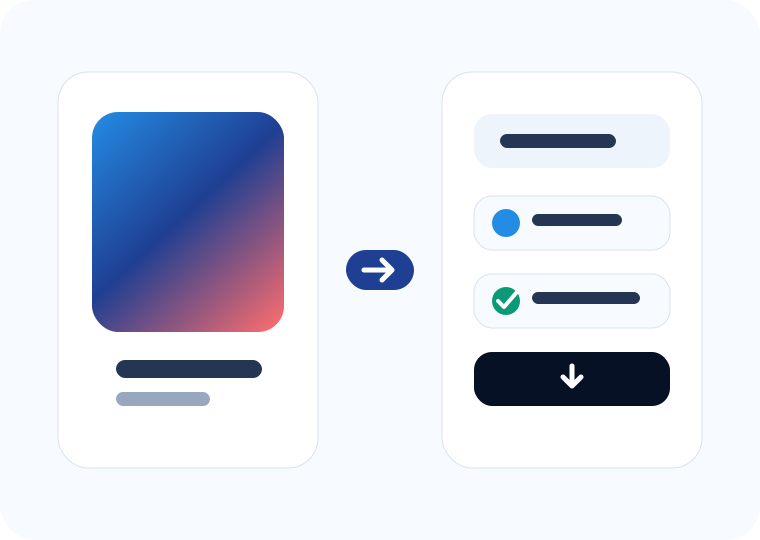
Copy, preview, and save selected public Story media in three steps.
Screenshots are quick but messy. A downloader is better when you need clean files and a repeatable review workflow.
- 1
Copy username
Copy a public Instagram username or profile link for the account you want to check.
- 2
Paste and search
Paste the profile into SoLeads and load currently available public Stories.
- 3
Save in HD when available
Preview each media item, then download the selected Story photo or video.
Why choose SoLeads
Story downloader vs screenshots or screen recording
Media qualityCan include compression or screen UI Saves the available source media
Video supportRequires screen recording Downloads available Story videos
WorkflowManual and hard to organize Preview, choose, download
Device supportDepends on phone tools Browser-based on desktop and mobile
Private content accessOnly with your own account access Not supported
Where to use it
Where to use Instagram Story Downloader
Marketing and creative review
Collect public campaign examples, product launches, and limited-time promotions for internal analysis.
Influencer content archiving
Save public creator Story posts as proof for collaboration review, partner reporting, or follow-up notes.
Social media inspiration
Build a swipe file of public Story hooks, layouts, transitions, and product demos before they expire.
Personal and team sharing
Keep public Story media available for teammates who need to review examples after the Story window closes.
Downloader FAQ
FAQ About Instagram Story Downloader
Do I have to log in to my Instagram account when downloading Stories?
No. You do not need to share a password, connect an account, or install a browser extension.
Can I download Instagram Stories on iPhone or Android?
Yes. The tool works in modern mobile and desktop browsers.
Can I save videos and photos from Instagram Stories?
Yes. When public media is available, the downloader supports Story photos and videos.
Will the download keep HD quality?
SoLeads downloads the best available public media URL returned for that Story. Final quality depends on the source.
Can I download expired Instagram Stories?
No. Expired, deleted, private, and restricted Stories are outside the supported scope.
Privacy-conscious Instagram Story Downloader
Start using Instagram Story Downloader now
Preview available public Story media, choose the useful photo or video, and save a clean file for research or reporting.