Search Twitter Profiles by Keywords
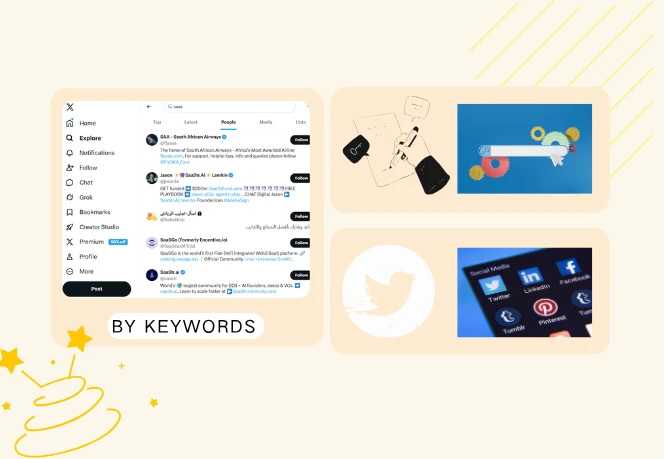
Find relevant users based on industry, role, or interests. Say goodbye to aimless browsing; set out with a clear intent to obtain more targeted results.
Free Tool
Search by niche, industry, or topic to uncover Twitter users that match your target audience and discover publicly available contact emails.
Trial preview: 1–50 emails max per request.
What You Can Do
Twitter holds a vast reservoir of potential customer leads; however, precisely identifying target prospects and obtaining their contact details often proves to be a time-consuming and laborious task. This Twitter email finder tool significantly streamlines this search process for you: simply enter your keywords to search user profiles and extract email addresses, with all information compiled into a clearly structured list that is ready for immediate use.
Find relevant users based on industry, role, or interests. Say goodbye to aimless browsing; set out with a clear intent to obtain more targeted results.
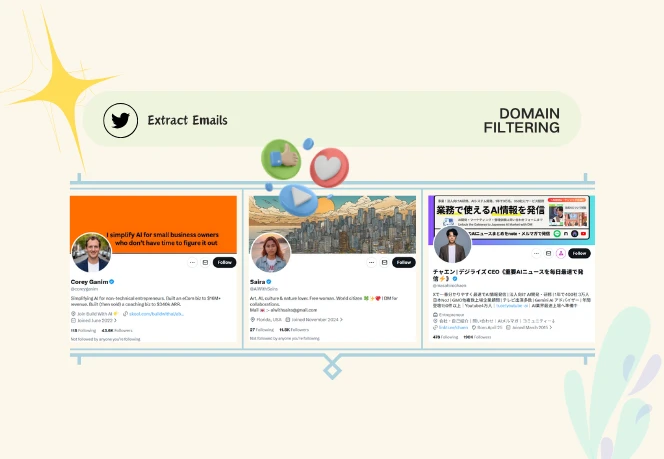
Focus on emails that match specific domains, such as company addresses, so your outreach is more relevant and higher quality.
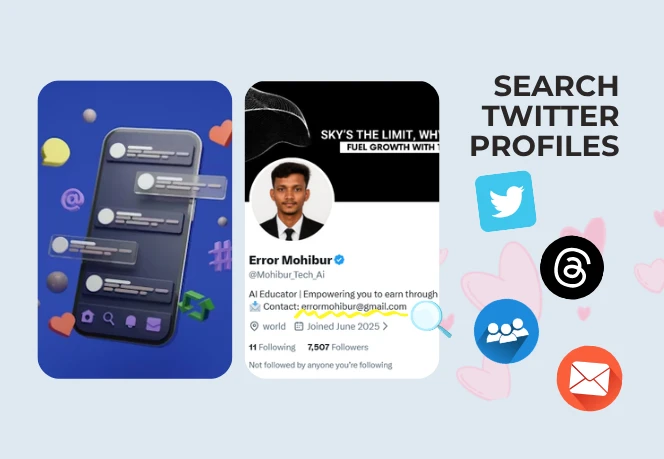
Collect user profile details and URLs to better understand your audience and organize your data.
Pull in short text from profiles and tweets to quickly evaluate whether a user fits your target audience.

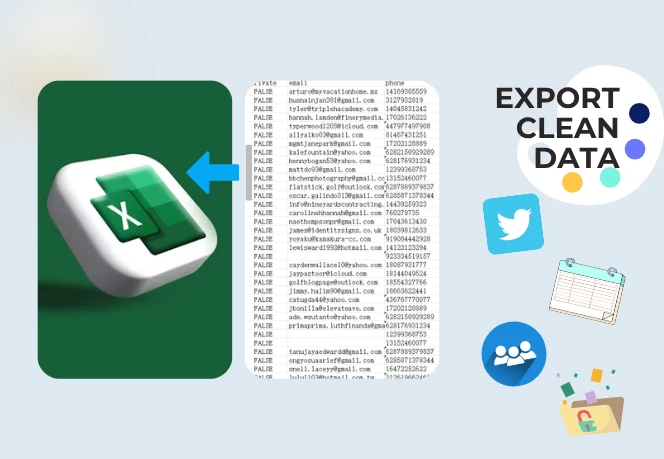
Download your results in a structured format; the data has been deduplicated and is ready for immediate use in outreach or for import into a CRM system.
Simple Operation
No complex tools or workflows are required - the entire process, from searching to extracting emails, can be completed in just three steps.
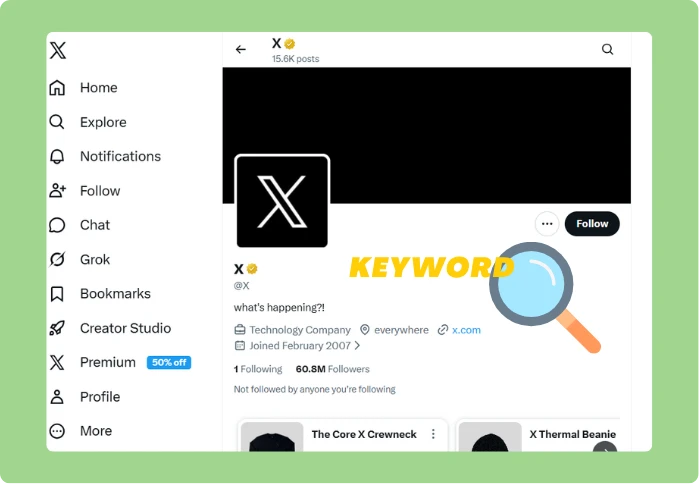
Enter keywords relevant to your target audience - such as specific industries, job roles, or niche sectors. The Twitter Email Finder will use these queries to search for relevant Twitter profiles.
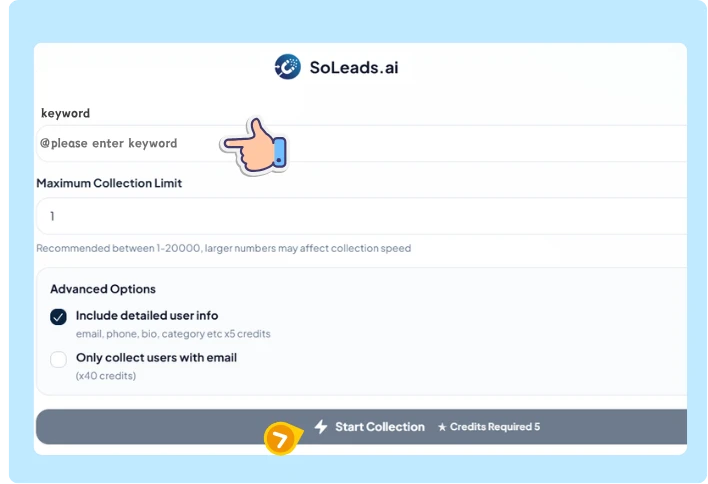
The Twitter Email Finder automatically collects available email addresses, profile details, and relevant background information directly from user bios or tweets.
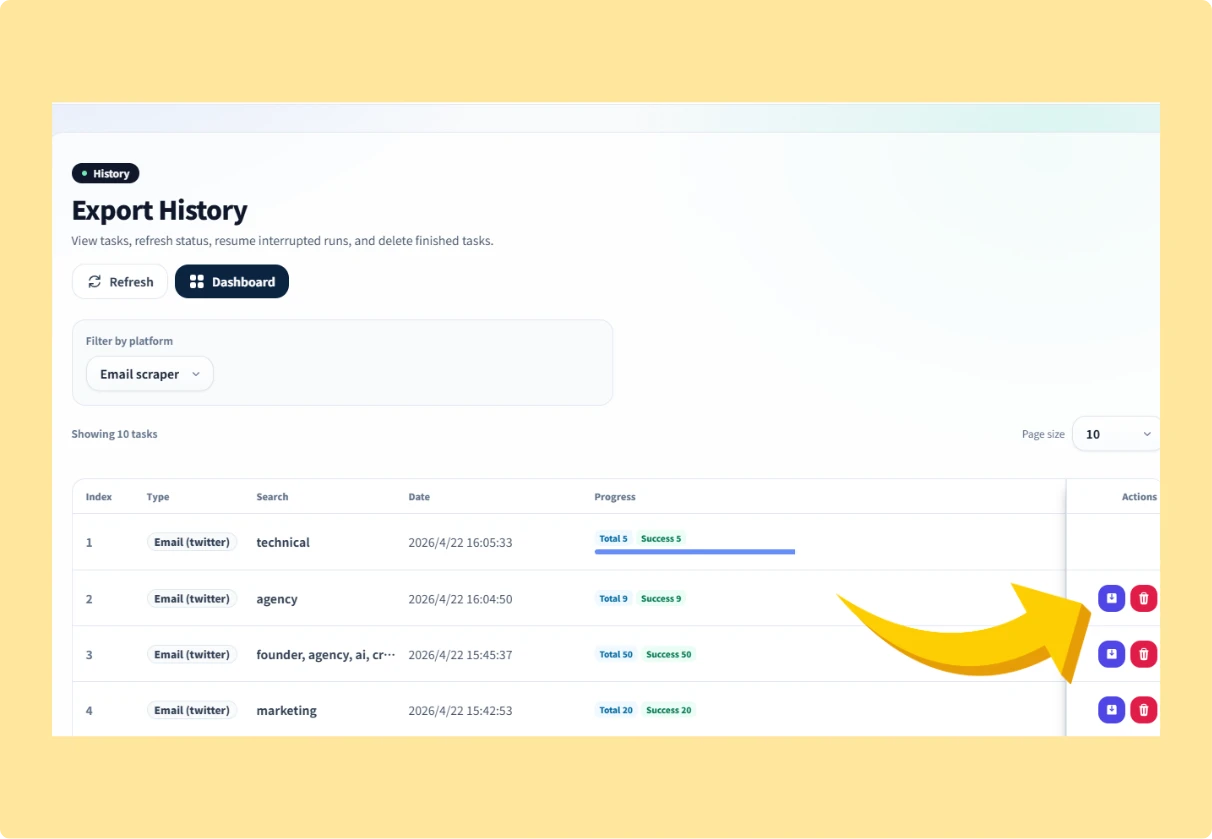
Quickly browse through the search results to filter for the content you need, then export all the data into a clean, organized file that is ready for immediate use.
The New Way
Manually finding contact information on Twitter is both time-consuming and difficult to scale. With SoLeads.ai, you can transform keyword searches into structured lead data in just a few minutes.
💸 Result: Low efficiency and inconsistent data
⚡ Result: Faster execution and better targeting
Use Cases
Different teams utilize Twitter to pursue a variety of objectives, yet they all face the same challenge: spending time transforming scattered user data into actionable resources. A Twitter Email Finder helps you bypass the search phase and proceed directly to a structured list of contacts.

Search by industry keywords and focus on company domains to find more relevant business contacts and decision-makers.
Used by marketers, sales teams, and agencies to find targeted contacts and scale outreach faster.
Start Extracting Emails
David Lee
The keyword search and domain filtering features of the Twitter Email Finder helped us identify a greater number of highly relevant contacts, thereby significantly enhancing the precision of our lead targeting.
Sophie Turner
We can now extract structured data and emails in minutes instead of doing everything manually. This saved us hours of manual research.
Ryan Cooper
The workflow is simple and the results are exactly what we need for outreach.
David Lee
The keyword search and domain filtering features of the Twitter Email Finder helped us identify a greater number of highly relevant contacts, thereby significantly enhancing the precision of our lead targeting.
Sophie Turner
We can now extract structured data and emails in minutes instead of doing everything manually. This saved us hours of manual research.
Ryan Cooper
The workflow is simple and the results are exactly what we need for outreach.
Michael Brown
We only needed company emails, and the domain filter helped us narrow things down quickly.
Laura Garcia
Keyword-based search made the data far more relevant and easier to work with. Much better than data export random profiles.
Daniel Kim
We can now build lead lists in minutes, not hours. The whole process is faster, and the data comes out clean and ready to use.
Michael Brown
We only needed company emails, and the domain filter helped us narrow things down quickly.
Laura Garcia
Keyword-based search made the data far more relevant and easier to work with. Much better than data export random profiles.
Daniel Kim
We can now build lead lists in minutes, not hours. The whole process is faster, and the data comes out clean and ready to use.
All-in-one coverage
Discover tools for audience exports, creator discovery, business email finding, and social media research across multiple platforms.

Search smarter, extract faster, and build high-quality outreach lists without manual work.
Find Emails Now