Export Threads Followers
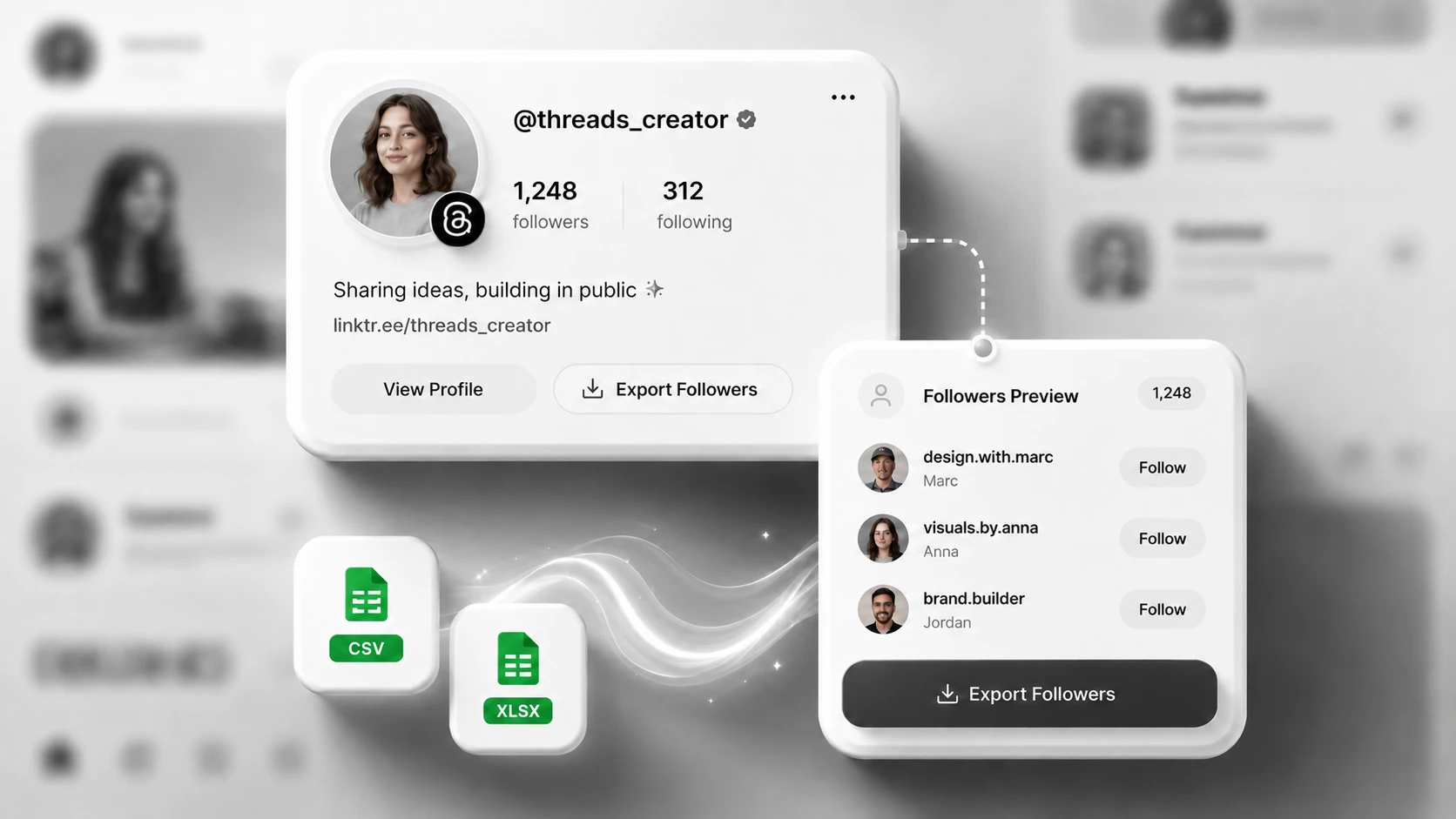
Select Followers to export the available accounts that follow the public Threads profile you entered. Each available follower is returned as a separate record in the completed file.
Free Threads Export Tool
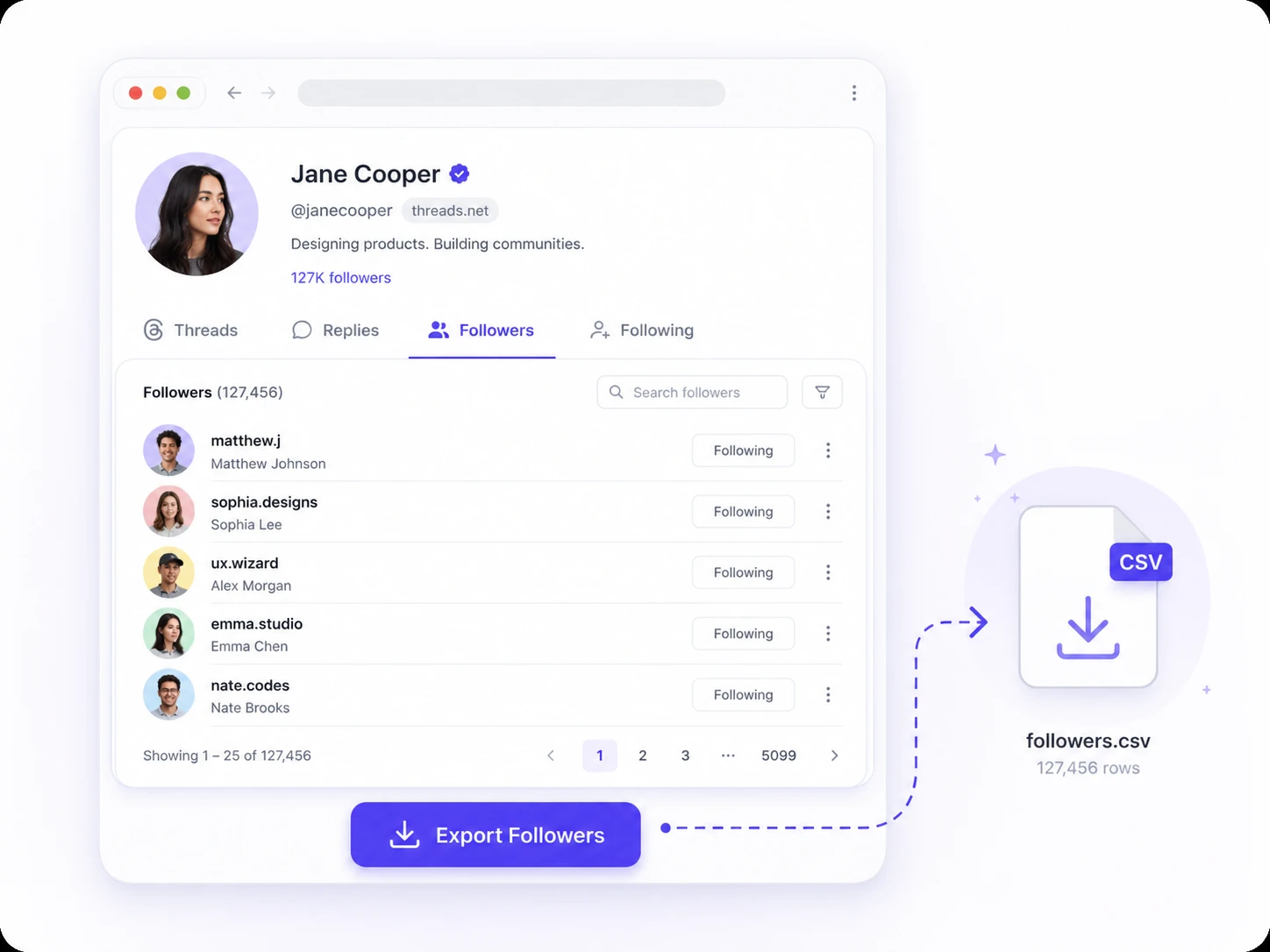
Export followers or following lists from public Threads profiles with a browser-based Threads followers exporter. Enter a username or profile URL in SoLeads.ai and download the available profile data as CSV or XLSX - without logging in to Threads, installing a browser extension, or configuring an API.
Choose followers or following after signing in.
What you get
The Threads followers exporter supports two separate list types from eligible public profiles: followers and following. Enter a Threads username or profile URL, select the list you need, and export the available records as CSV or XLSX.
Select Followers to export the available accounts that follow the public Threads profile you entered. Each available follower is returned as a separate record in the completed file.
Select Following to export the available public accounts followed by the source Threads profile. Followers and following are processed separately, so each export contains only the list type you selected.

Download the completed export as a CSV or XLSX file. Both formats contain the same available records in structured columns, allowing you to choose the file type that fits your existing workflow.
Export fields
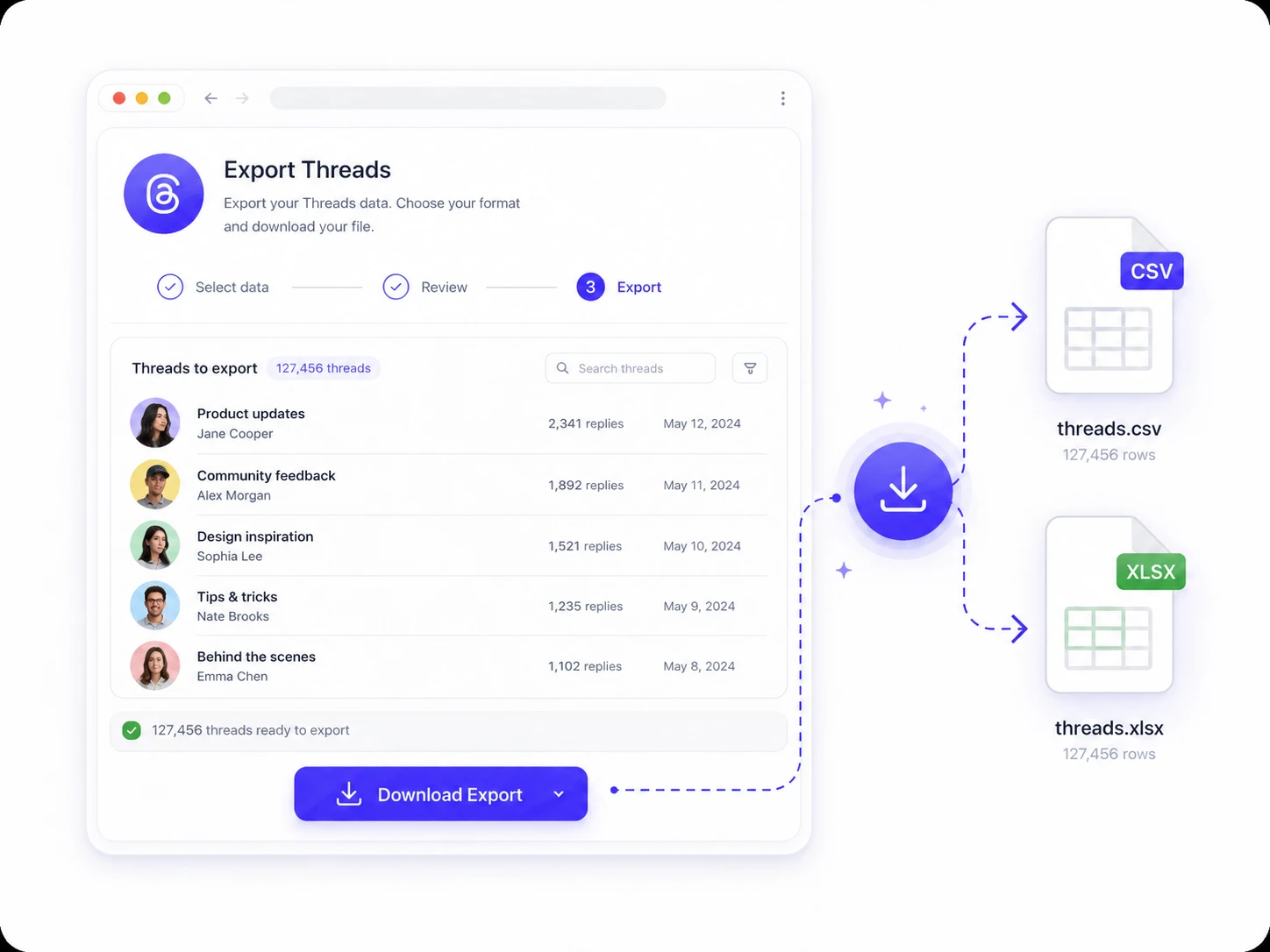
Each export separates the available Threads profile and relationship data into individual columns. The exact values may vary by account because not every public profile exposes the same information.
Available account fields may include:
These fields identify each exported account and provide a direct route back to the public profile.
Available status fields may include:
These values provide additional context about the exported profile.
Available relationship fields may include:
The source and target fields help preserve the relationship between the profile entered and each exported record.
Why SoLeads
SoLeads.ai is designed for users who want to export available Threads profile lists without setting up a technical data collection workflow.
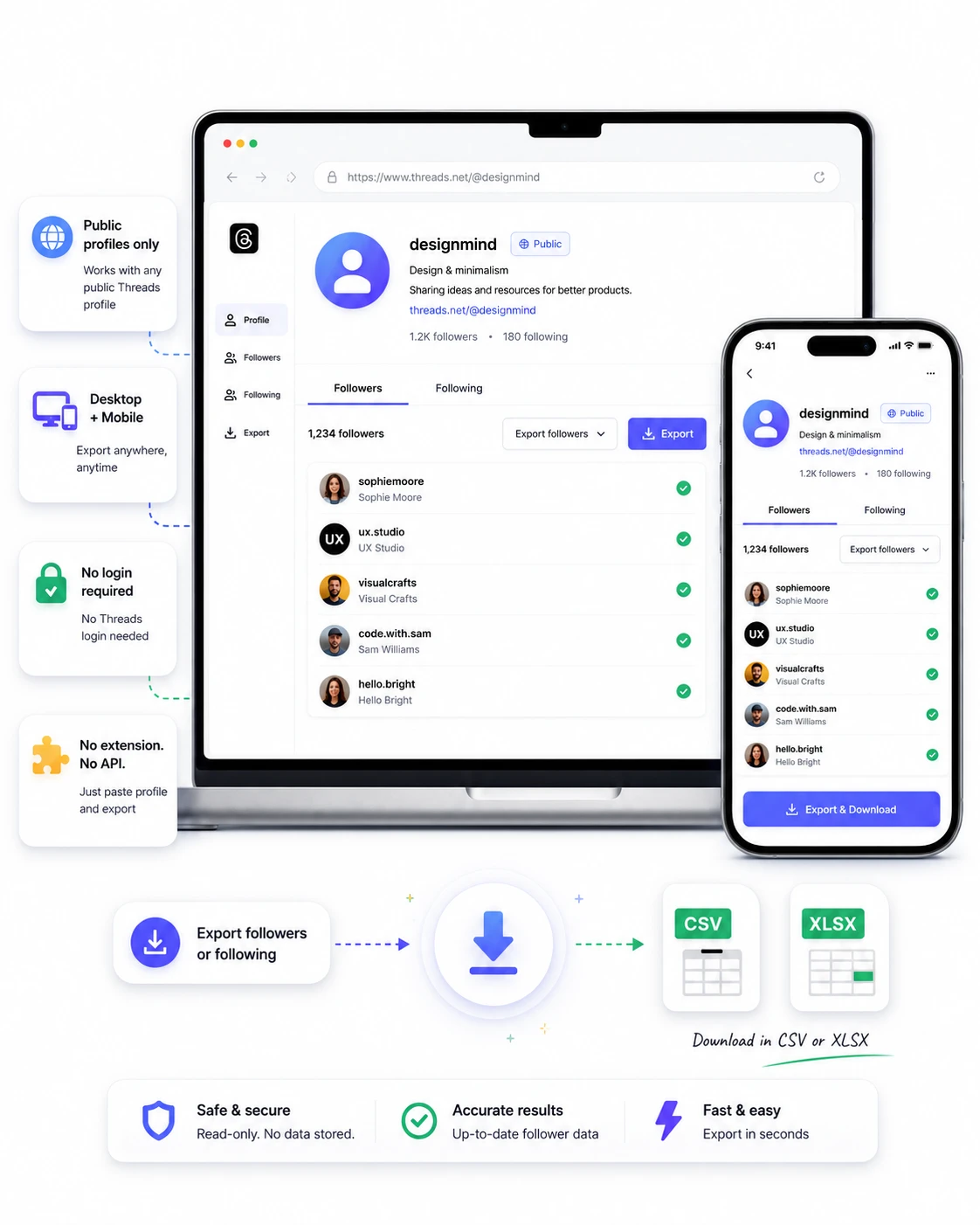
You do not need to provide a Threads password, connect a Threads account, or sign in to Threads. You only need a SoLeads.ai account to run the export and download the completed file.
The exporter runs through the SoLeads.ai dashboard. There is no Chrome extension to install, update, or keep active while the export is running.
You do not need an API key, custom exporter, session cookie, or development work. Enter the source account, select the list type, and run the task from the dashboard.
The tool works through a supported browser rather than a desktop-only extension. You can open SoLeads.ai, submit a Threads profile, and manage the export from either a desktop or mobile device.
How to use
Complete a Threads followers or following export in three steps.
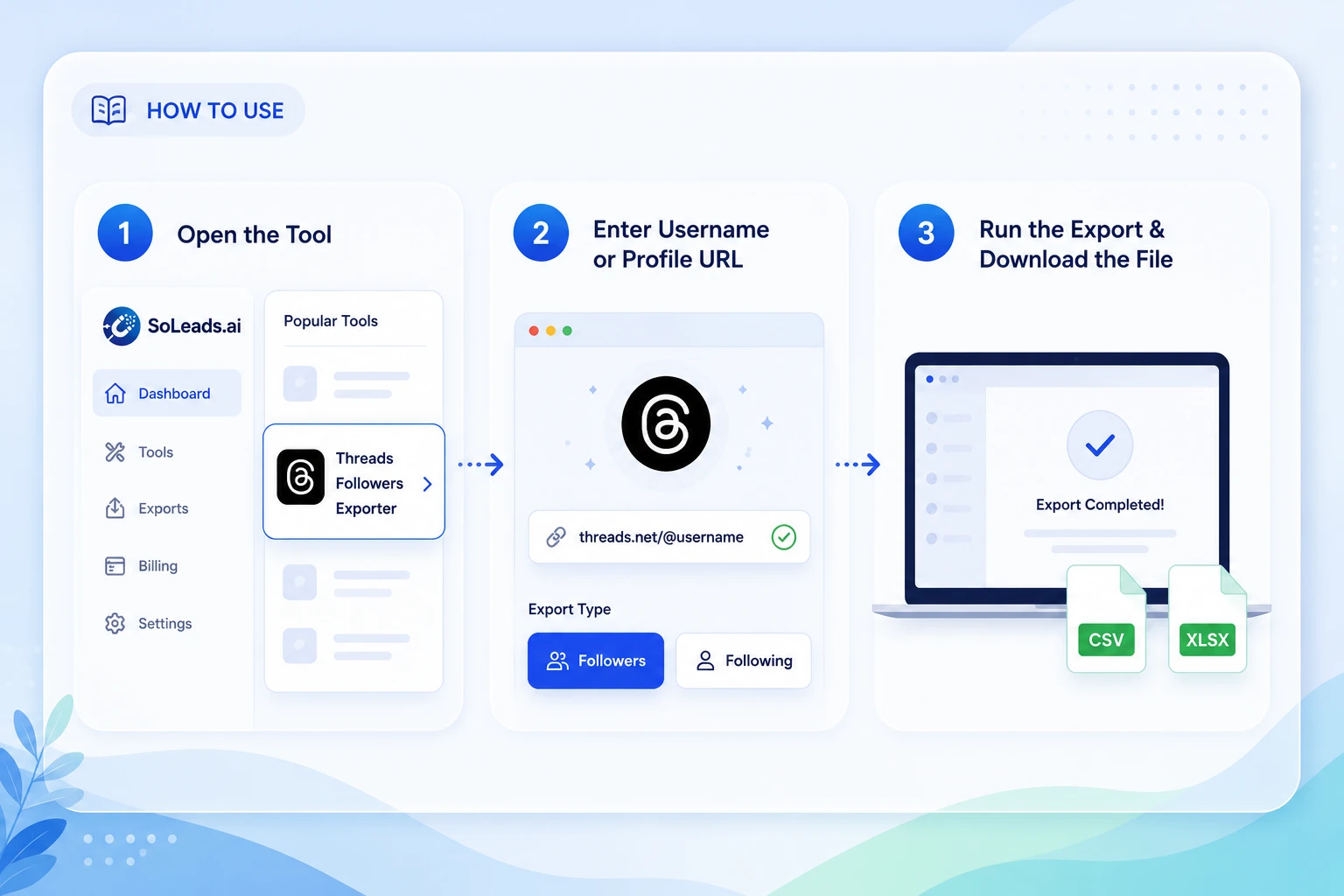
Create or sign in to your SoLeads.ai account and open the Threads exporter from the dashboard.
Add the username or full profile URL of an eligible public Threads account. Then select followers or following to export.
Start the export and download the available records as CSV or XLSX when processing is complete.
Followers vs following
Followers and following represent different sides of a public Threads profile. Choose the list based on the question you want the export to answer.
A followers export shows the available public accounts following the source profile. Choose this list when your main question is: Who is connected to this account as part of its visible audience?
A following export shows the available public profiles that the source account follows. Choose this list when your main question is: Which creators, brands, publications, or accounts does this profile actively follow?
Followers show incoming audience relationships. Following shows outgoing account relationships. Export both lists when you need to compare the two sides of a public profile's network.
Use cases
A Threads export is most useful when it answers a specific question about a public account. Choose Followers or Following based on the relationship you want to examine, then review the available records in the exported file.

Export the Followers list of a public creator, brand, publication, or community account to examine the profiles connected to its visible audience. The export gives you a structured view of available usernames, profile links, follower counts, verification status, and other profile details. You can then identify which types of accounts appear frequently and which records deserve closer review.
Manual vs export
When a follower or following list contains more than a few relevant profiles, manual collection quickly becomes difficult to maintain. A structured export keeps the available records in one consistent file, so you can spend less time rebuilding the list and more time reviewing it.
Public data and limitations
The Threads followers exporter organizes information available from eligible public profiles. It does not reveal private, hidden, restricted, or otherwise unavailable information.
The source account must be publicly accessible and eligible for processing. SoLeads.ai cannot bypass private profiles or unavailable follower and following lists.
The number of records and fields available may depend on the selected profile, current Threads availability, profile settings, public data accessibility, and other platform-level conditions. A visible follower count does not guarantee that every account will be available in the export.
SoLeads.ai exports the values available for each record. Missing details are not replaced with generated, inferred, or estimated information.
Review the file before moving records into another workflow. A public Threads profile is not automatically a qualified lead, suitable contact, or permission to send unsolicited messages. Follow applicable privacy, data protection, and platform requirements.
About Threads
Threads is Meta's text-based social platform for public conversations, updates, and community interaction. People can follow public profiles, build audiences, and discover other accounts through followers and following relationships. The Threads followers exporter in SoLeads.ai organizes the available public profiles connected to those relationships into a CSV or XLSX file.
Public Threads profiles can receive followers and follow other accounts.
Threads is designed around public posts, replies, discussions, and profile discovery.
SoLeads.ai moves the available profile records from an in-platform list into organized columns for further review.

Use related SoLeads.ai tools when your research extends beyond Threads.

Export available Instagram followers or following profiles from eligible public accounts and download the results as CSV or XLSX.
Open Tool
Export available TikTok follower profiles into a structured file for further review.
Open Tool
Export available public follower or following records from Twitter or X profiles.
Open ToolExplore SoLeads.ai tools for public profiles, followers, comments, engagement data, public contact fields, and business listings.
View All Data Export Tools
Turn an eligible public Threads profile into a downloadable followers or following file with SoLeads.ai.
Export Threads Followers