Capability
Up to 600 profiles per preview
Free to Start
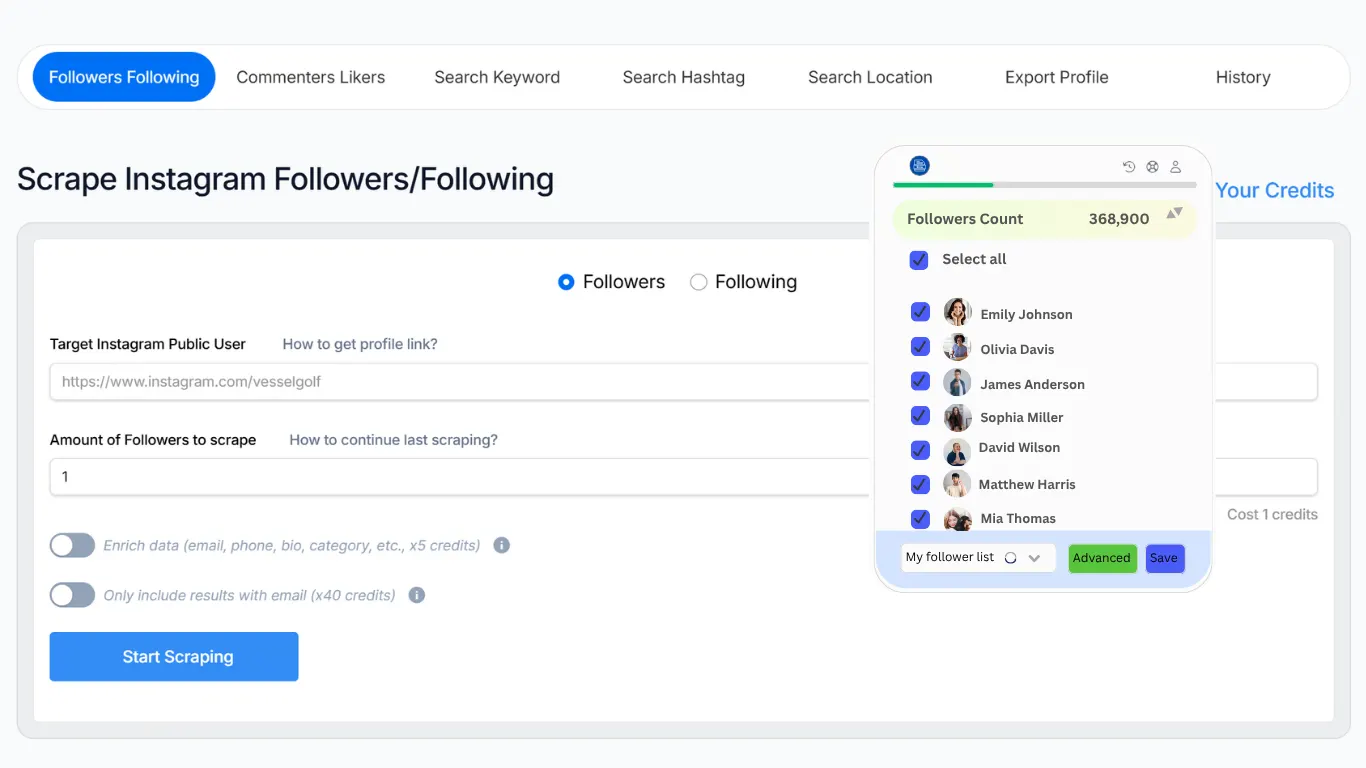
Export followers and following lists from public Instagram accounts to CSV or XLSX. No Instagram login, app, or browser extension required. Start free and sign in only when you're ready to download.
Enter a public Instagram username or profile link to start a free preview of available followers or following. Review the public profile details first, then sign in to download ig follower list as a CSV or XLSX file.
Capability
Up to 600 profiles per preview
Scope
Followers or Following
Access
Public accounts only
Export
CSV and XLSX download after sign-in
Sample Public Profile
instagram.com/sample_creator
18.4K
Followers
382
Following
Independent creator sharing design ideas, tutorials, and studio updates.
Illustrative preview only. Available fields vary by public profile and export options. Email, phone, website, and other contact details are included only when publicly visible and selected for export. Sign in to download available results as CSV or XLSX.
Preview public follower or following data, review available profile details, and continue in SoLeads.ai when you are ready to export your results as CSV or XLSX.
Privacy-conscious users can start with a free preview of publicly available follower or following data. Each preview supports up to 600 profiles. Review the available data before signing in to continue your export.
Use the tool as an IG follower export tool when you want to review an account audience. Choose Following when you want to understand which accounts that profile follows.
When publicly available, you can include profile details such as email, phone, and website in your export. Available fields and export requirements can vary by profile and the data you select.
Sign in to SoLeads.ai when you are ready to download available results. Use CSV for flexible imports and Google Sheets, or XLSX for a ready-to-review spreadsheet.
Use this IG export tool online in Safari on iPhone or Chrome on Android. No app or browser extension is needed to preview, sign in, and download your export.
You do not need to log in to Instagram or share your Instagram password. The tool works with public Instagram accounts only.
IG Follower Export Tool
No Instagram login is required. Sign in to SoLeads.ai when you are ready to export or download available results.
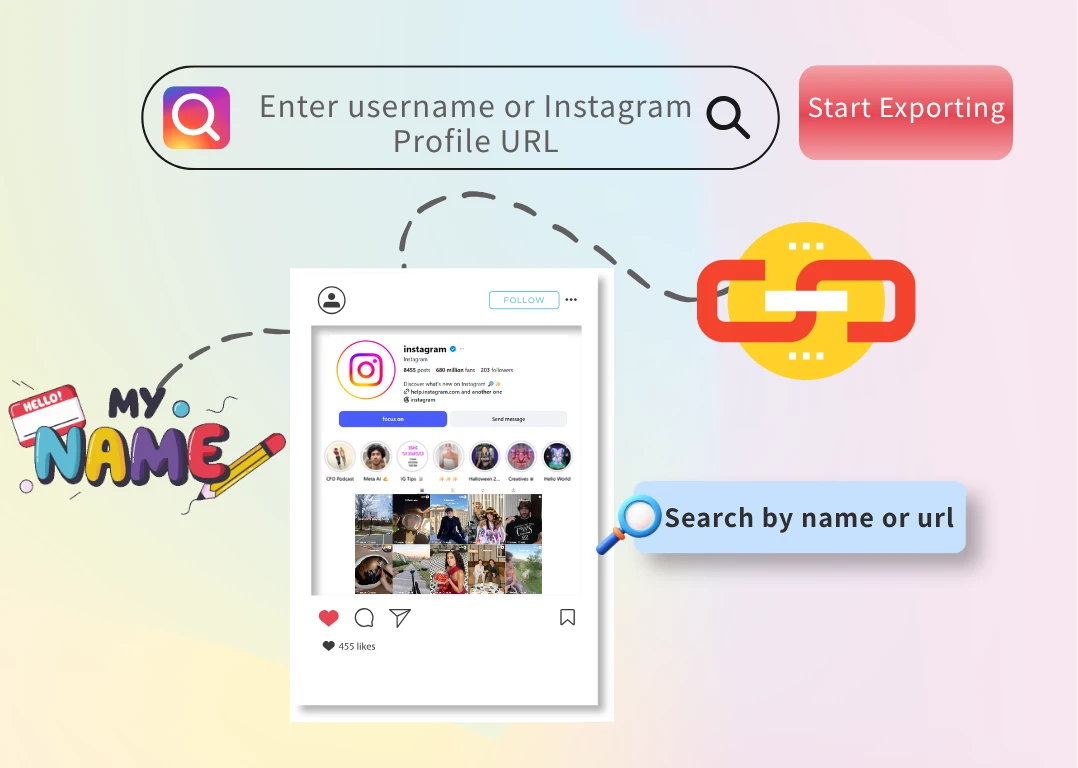

Open the IG follower export tool in your browser on iPhone, Android, Windows, or Mac. Preview available follower or following data on this page, then continue in SoLeads when you are ready to export your results.
Format Selection Guide
After signing in to SoLeads.ai, download your available export in the file format that fits your workflow.
Choose CSV when you want to open the file in Google Sheets, import data into another tool, or create a flexible working list.
Choose XLSX when you want a ready-to-review spreadsheet in Excel or another compatible app.
Export tip: Select only the public fields you need before exporting. This keeps your file easier to review, and export requirements may vary based on the number of profiles and selected details.
Simple - Efficient
If you need a browser-based tool to export data - including profile fields and CSV or Excel formats - with local processing capabilities, SoLeads.ai's IG follower export tool is an excellent choice. Additionally, our verification tool is available to help you instantly validate the exported data.
Start Free Export| Feature | Traditional Follower Research | SoLeads.ai |
|---|---|---|
| Export Followers & Following | Manual scrolling and copying | Instant export lists |
| Audience Analysis | Time-consuming profile research | Structured audience exports |
| Large Audience Support | Hard to manage large accounts | Batch export data |
| Competitor Audience Research | Manual competitor review | Export competitor followers |
| Data Organization | Messy copied follower lists | Organized follower data |
| Export Preview | No preview before export | Preview exports instantly |
| Login Requirement | Often requires account login | No Instagram login for preview |
| Workflow Speed | Repetitive manual workflows | Fast export processing |
| Audience Insights | Limited visibility | Better audience organization |
| Multi-Use Research | Hard to reuse follower lists | Reusable CSV audience exports |
| Export Accessibility | Browser-only manual research | Downloadable follower exports |
Use public follower or following data to research audiences, discover relevant accounts, and organize available profile details in one place. Choose the workflow that best matches why you want to export Instagram followers.

Export follower lists from public Instagram accounts and compare them in a spreadsheet. This helps you identify overlapping audiences, shared community accounts, and creators who appear around similar brands or topics.

Review public followers or following lists to collect relevant creators, niche pages, and potential collaboration targets in one place. Filter available profile details such as category, website, or public contact information to decide who to research next.

Save a structured list of public profiles before a campaign launch, creator collaboration, competitor review, or brand update. Exported CSV or XLSX files make it easier to revisit and organize the same accounts later.
Export a public Instagram following list as a working reference before building a more focused follow list on Threads. Review the accounts you want to keep up with, organize them in a spreadsheet, and search for selected creators, brands, or communities on Threads.
Use SoLeads.ai to continue your Instagram research with related public-data export workflows.
Learn more about Instagram export methods, free preview options, and responsible public-data research.

Try SoLeads.ai - lets you download follower lists in one click. No Instagram password · Public accounts only · Works on mobile
Try Free Export